
At a glance
- Category
- Coding Agents
- Tags
- GDPR, HIPAA
For developers
- Runs
- Cloud
What is BLACKBOX AI?
BLACKBOX AI (Blackbox AI Technologies Inc.) is now an enterprise inference platform, not a consumer coding assistant. The Blackbox Router is an OpenAI-compatible endpoint reaching 300+ open and closed models through one API key. Enterprise Inference runs an open-weight model of the customer's choice as a dedicated, single-tenant deployment on Blackbox's own GPUs.
The Agents API and an open-source CLI add coding-agent orchestration, including sending one task to several agents in parallel and opening pull requests automatically. There is no public self-serve plan; pricing is a custom, committed-spend enterprise contract quoted against published per-token rates.
What changed since this listing was last written
The listing on file describes Blackbox as a consumer-facing coding platform with Pro ($10/month), Pro Plus ($20/month), Pro Max ($40/month), and Enterprise tiers, sold through a VS Code extension and web chat. That product and pricing no longer exist on blackbox.ai. The site's own title tag now reads "Blackbox: The high-trust platform for frontier inference," the pricing page shows a single Enterprise tier priced by committed annual spend with no dollar figure a self-serve buyer can sign up against, and the press kit describes the company as "the high-trust inference layer for teams that deploy AI at scale." The four products it names today are Enterprise Inference, the Blackbox Router (API), the Agents API, and the CLI — none framed as an individual subscription. (Sources: blackbox.ai homepage meta title/description, blackbox.ai/pricing, blackbox.ai/press, checked 12 October 2026.)
What Blackbox sells today
Blackbox Router is an OpenAI-compatible endpoint (enterprise.blackbox.ai/v1) that reaches 300+ open and closed models — Claude, GPT, Gemini, Grok, Llama, Mistral, DeepSeek, Qwen and others — through one API key, with provider failover and load balancing; switching models is a one-line change to the model string. Enterprise Inference runs an open-weight model of the customer's choice as a dedicated, single-tenant deployment on Blackbox's own GPUs, isolated from every other customer — this is Blackbox-hosted, not something a customer runs on its own infrastructure. The Agents API dispatches coding agents over HTTP, can send one task to Blackbox, Claude Code, Codex, and Gemini in parallel on separate Git worktrees, and has a 'Chairman LLM' rank the results and open a pull request on GitHub, GitLab, or Bitbucket. The CLI is a terminal coding agent with the same multi-agent racing and a plan mode that breaks a task into approvable steps before changes apply. (Sources: blackbox.ai/api, blackbox.ai/inference, blackbox.ai/agents, blackbox.ai/cli, checked 12 October 2026.)
Pricing: enterprise-only, no public per-seat number
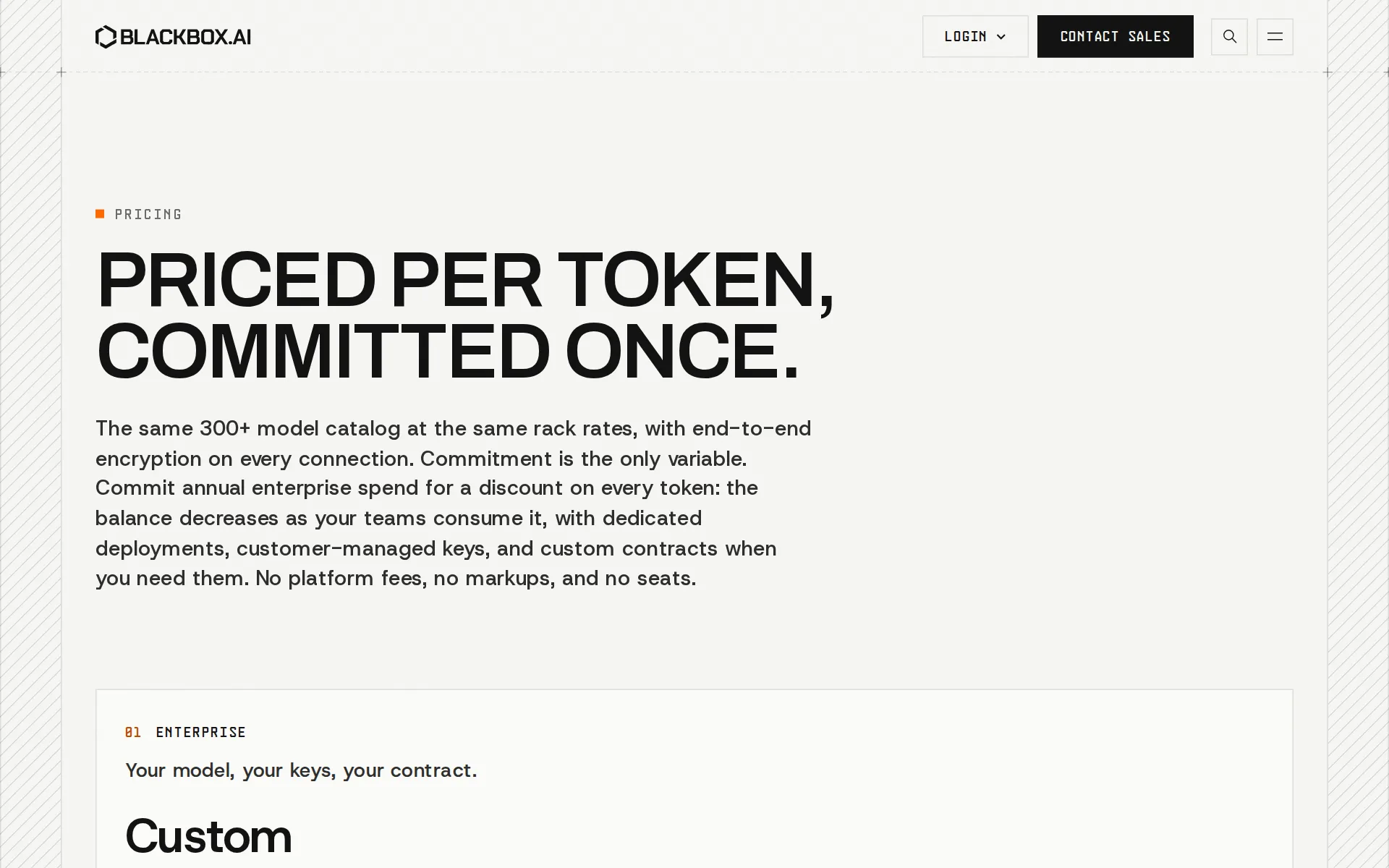
There is no free tier, trial, or self-serve signup visible anywhere on the current site. The pricing page shows one plan, labeled Enterprise, priced as a committed annual spend quoted against a published reference-rate table (for example: moonshotai/kimi-k3 at $3.00 input / $15.00 output per 1M tokens; deepseek/deepseek-v4.1-flash at $0.30 / $1.20). The vendor states there is no platform fee, no credit-purchase fee, and no per-seat charge — everything is metered per token, and unused commitment expires at the end of the billing period with alerts at 75% and 90% of the commit. Every engagement starts with a sales conversation, not a signup form. (Source: blackbox.ai/pricing, checked 12 October 2026.)
Security and privacy claims — and what we could not find
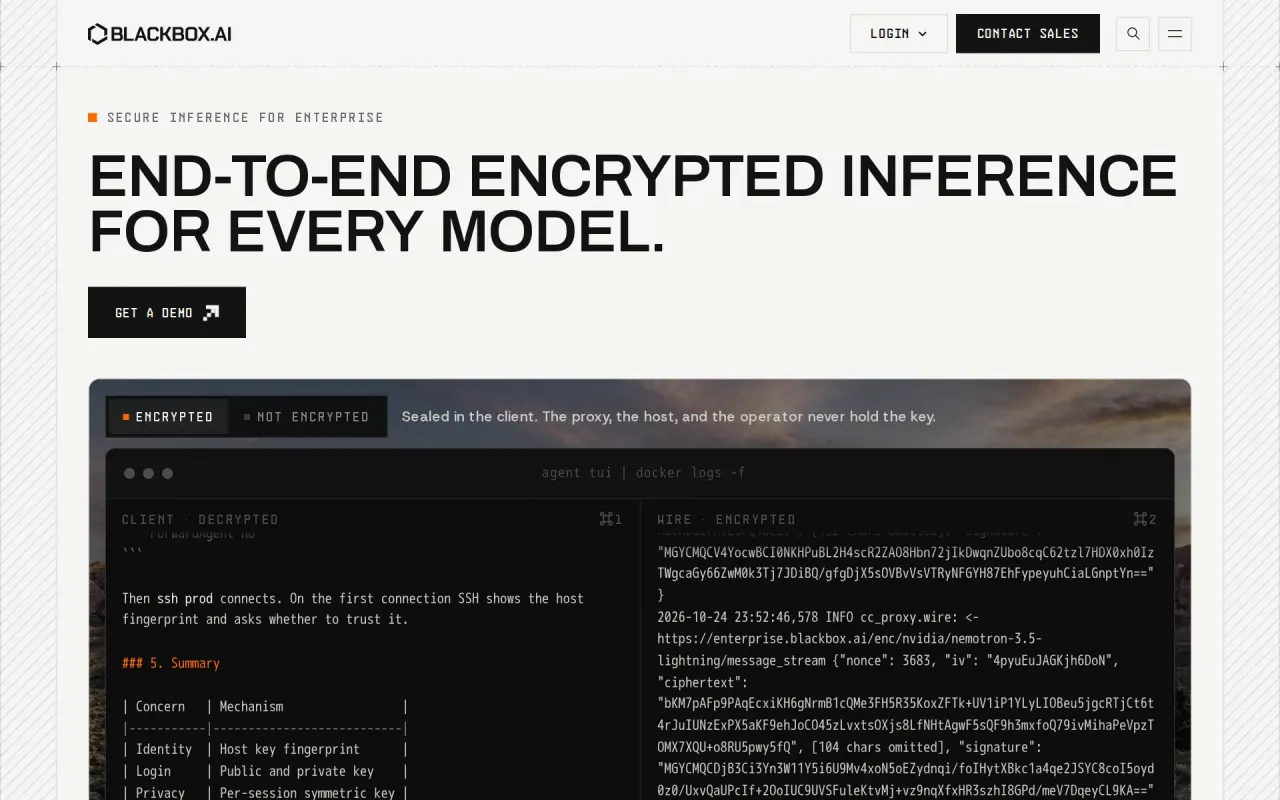
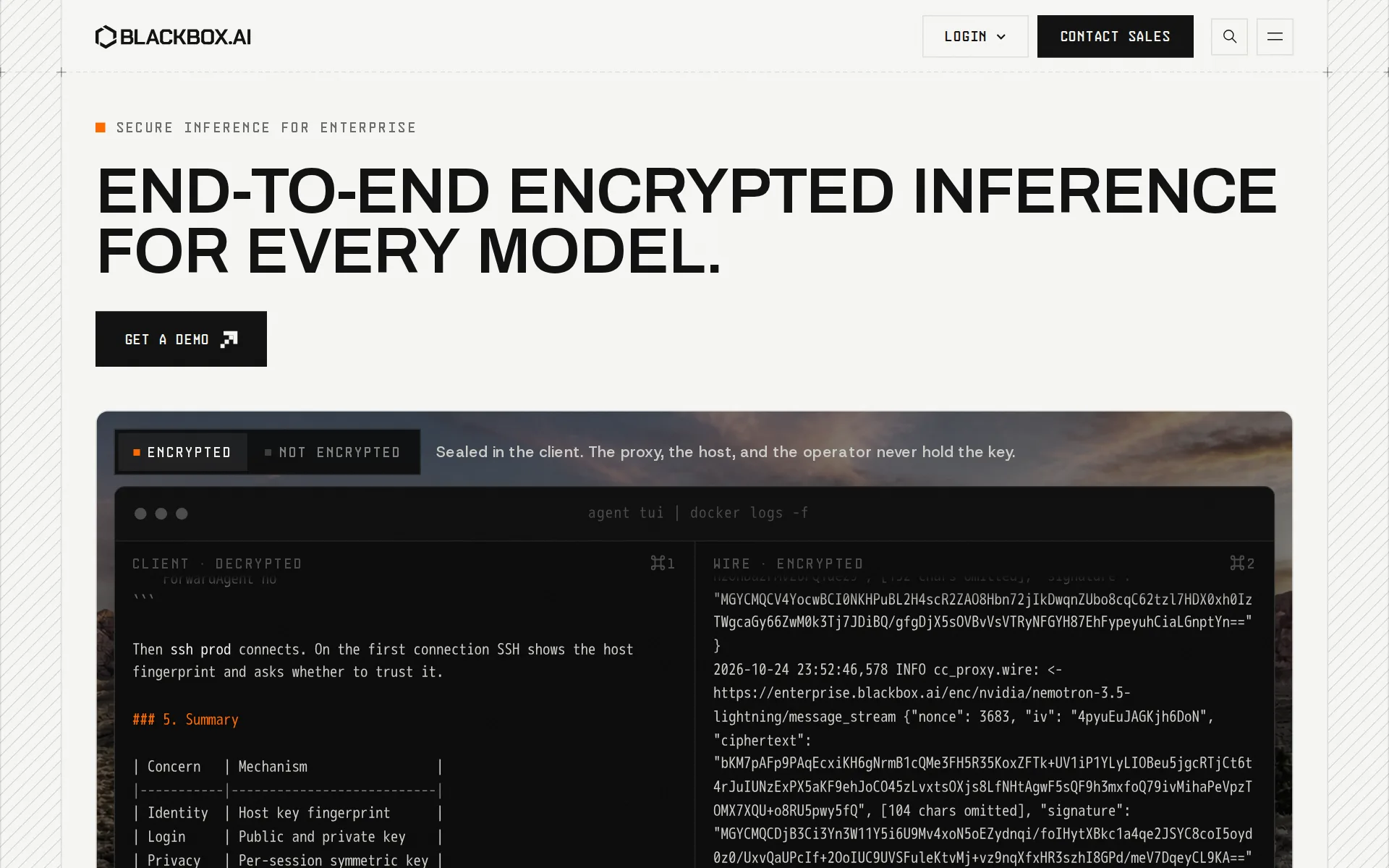
Blackbox documents end-to-end encryption, AES-256 encryption at rest, and Zero Data Retention (prompts and completions are processed in memory and discarded after the response). On Enterprise, a PII filter replaces names, emails, phone numbers, and account numbers with semantic placeholders before a prompt reaches a closed model. Enterprise plans add SSO via Azure AD (Microsoft Entra ID), Okta, or Google Workspace, with RBAC and audit logging; Blackbox describes itself as a Microsoft Partner on this basis. We could not find a SOC 2 report, a HIPAA/BAA statement, or any named compliance certification anywhere on blackbox.ai, blackbox.ai/privacy, or blackbox.ai/microsoft-partner — the privacy page offers a Data Processing Agreement reference on Enterprise contracts but no certification badge. Treat the encryption and retention claims as the vendor's own description of its architecture, not as independently audited. (Sources: blackbox.ai/privacy, blackbox.ai/microsoft-partner, blackbox.ai/pricing, checked 12 October 2026.)
Customers: the vendor's own page warns against the claim this listing made
The previous version of this listing stated Blackbox "is used by Microsoft, Deloitte, and Intel." Blackbox's own customers page now says the opposite is its policy: "Many engineers at large companies use Blackbox. That is not the same as an endorsement from those companies, and we will not present it as one. Customer names, logos, and quotes go on this page only after that customer gives written permission to use them, which is why there is no logo wall here yet." The one concrete relationship we could verify is a Microsoft technology partnership (Azure AD SSO integration), which is a product integration, not a customer reference. We found no independent source naming Microsoft, Deloitte, or Intel as Blackbox customers. (Source: blackbox.ai/customers, blackbox.ai/microsoft-partner, checked 12 October 2026.)
The VS Code extension still exists, separately
A VS Code extension called "BLACKBOXAI — #1 AI Coding Agent and Coding Copilot" (publisher Blackboxapp, identifier Blackboxapp.blackbox) is live on the Visual Studio Marketplace with 5.4M installs, a 4.18-star rating across 559 reviews, and a current version (2.8.53). It is the closest thing left to the product this listing originally described — inline code completion and chat inside the editor. It is not linked, mentioned, or referenced anywhere on the current blackbox.ai site: blackbox.ai/extension returns a 404, and the product navigation, pricing page, and press kit all describe only the four enterprise products above. We could not establish whether this extension is still actively maintained by the same team, still points at current infrastructure, or is simply an orphaned artifact of the old consumer product. (Sources: marketplace.visualstudio.com/items?itemName=Blackboxapp.blackbox, blackbox.ai/extension [404], blackbox.ai/sitemap.xml, checked 12 October 2026.)
An open-source claim we could not verify
The CLI product page states "Blackbox CLI is fully open source, with the code available on GitHub" and instructs npm install -g @blackbox/cli. That npm package does not exist (registry.npmjs.org returns 404 for @blackbox/cli). The similarly named @blackboxai/cli and blackbox-cli packages that do exist on npm belong to unrelated projects — an MCP-server installer and a tool published by a company called Ellipsis, respectively — not to this product. The real install path, confirmed by fetching blackbox.ai/install.sh directly, downloads a prebuilt binary from releases.blackbox.ai rather than installing from a public package registry. We searched GitHub for a Blackbox CLI repository and found only a BlackBox-AI organization with a single public repo last updated in July 2023, which does not match a 2026 coding-agent product. We are not asserting the CLI is closed source — only that we could not locate the public repository the vendor's own page points to.
How much does BLACKBOX AI cost?
Pro
$10/month
- $10 worth of the latest models from xAI, Anthropic, OpenAI and 400+ Models
- Unlimited FREE Agent Requests with Minimax-M2.5
- Access to All Chat Models
- Access Voice Agent
Pro Plus
$20/month
- $20 worth of the latest models from xAI, Anthropic, OpenAI and 200+ Models
- Unlimited FREE Agent Requests with Minimax-M2.5
- Access to Multi-Agent Execution
- Access to App Builder
- Coding Agent (35+ IDEs, Web, Terminal)
- Remote Agent for Data Analysis
- Priority Access During Peak Times
- Slack Integration
- Auto-Refill ON
- Access to All Chat Models
- E2E Chat Encryption
Pro Max
$40/month
- Enterprise Power. Startup Pricing.
- $40 worth of the latest models from xAI, Anthropic, OpenAI and 400+ Models
- Unlimited FREE Agent Requests with Minimax-M2.5
- Team Collaboration Features
- Centralized Billing and Management
- Security Controls
- SAML SSO
- Priority Support
- Usage Analytics and Reporting
- Access to All Chat Models
- Access to Voice Agent
- Access to App Builder
- Access to Multi-Agent Execution
- Coding Agent (35+ IDEs, Web, Terminal)
- Remote Agent for Data Analysis
- Priority Access During Peak Times
- Slack Integration
- E2E Chat Encryption
- Auto-Refill ON
- Unlimited Agent Requests
- Figma to Code
Enterprise
Contact Sales
- Training opt-out by default
- SAML SSO
- Priority access and zero wait time
- Dedicated customer support
- Custom SLAs
- On-premise deployment options
Price and terms
- Free plan or trial
- NoNo
From blackbox.ai/pricing, checked .
Works with
- YesSlack
- YesSalesforce
- YesGoogle Calendar
- YesStripe
- YesHubSpot
- YesKlaviyo
- YesShopify
- YesNotion
- YesZapier
- YesQuickBooks
- YesCalendly
- YesRedis
- YesVS Code
 OpenAI
- YesGit
 Anthropic
- YesGoogle
- YesxAI
- YesMeta
- YesMistral
 DeepSeek
 Qwen
Qwen- YesOkta
- YesAzure AD
- YesGoogle Workspace
- YesLangChain
 LlamaIndex
- YesDocker
- YesGitHub Actions
- YesGitLab CI
The facts, with their sources
What it costs to start
- What the price counts
- YesBilling is metered per token against an annually committed enterprise balance, with published per-1M input, output and cache-read list rates and explicitly no seat charge or platform fee; the contract rate itself is quoted by sales.
Metering is per token, not per seat, and the contract specifies how seats are treated.
blackbox.ai/pricing
Frequently asked questions
- What is BLACKBOX AI?
- BLACKBOX AI (Blackbox AI Technologies Inc.) is now an enterprise inference platform, not a consumer coding assistant. The Blackbox Router is an OpenAI-compatible endpoint reaching 300+ open and closed models through one API key. Enterprise Inference runs an open-weight model of the customer's choice as a dedicated, single-tenant deployment on Blackbox's own GPUs. The Agents API and an open-source CLI add coding-agent orchestration, including sending one task to several agents in parallel and opening pull requests automatically. There is no public self-serve plan; pricing is a custom, committed-spend enterprise contract quoted against published per-token rates.
- How much does BLACKBOX AI cost? Is it free?
- Blackbox does not publish self-serve plans. Pricing is enterprise-only: a committed annual spend quoted against published per-token rates, with no platform fee and no per-seat charge.
- What is BLACKBOX AI used for? Who is it for?
- Blackbox is used for routing requests to 300+ models through one encrypted API, running a dedicated single-tenant model deployment, and orchestrating multi-agent coding runs that open pull requests automatically. It's built for platform teams, regulated organizations, and developer-led teams with heavy inference spend.
- Does BLACKBOX AI have an API and what does it integrate with?
- Blackbox Router is an OpenAI-compatible endpoint for 300+ models; the Agents API and CLI add coding-agent orchestration (multi-agent runs, automatic PR creation) on top of it. It integrates with Slack, Salesforce, Google Calendar, Stripe, HubSpot, and 25 more.
Screenshots
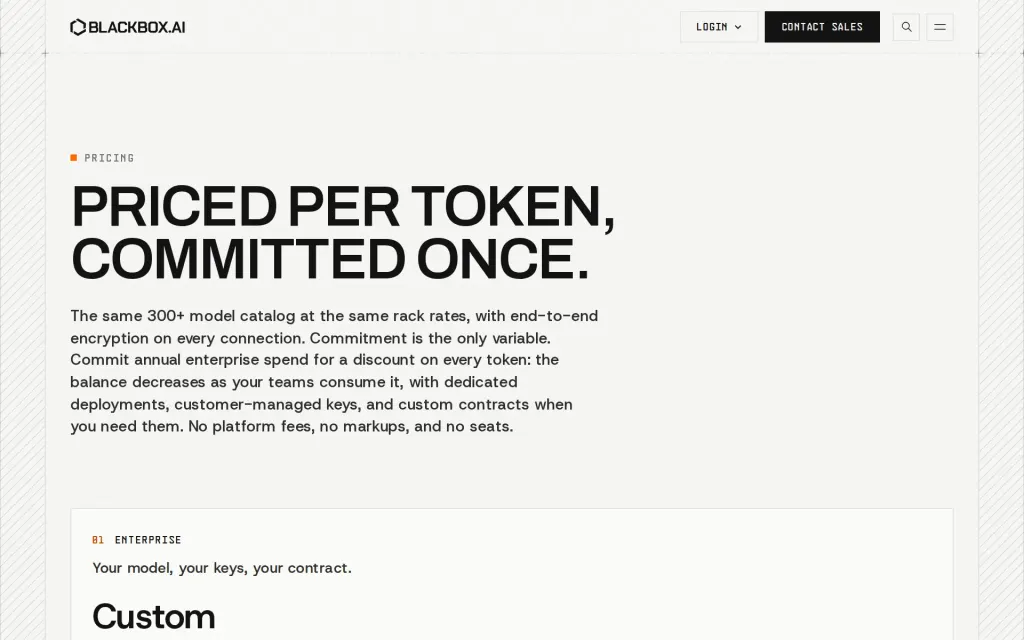
Pricing page, blackbox.ai, captured 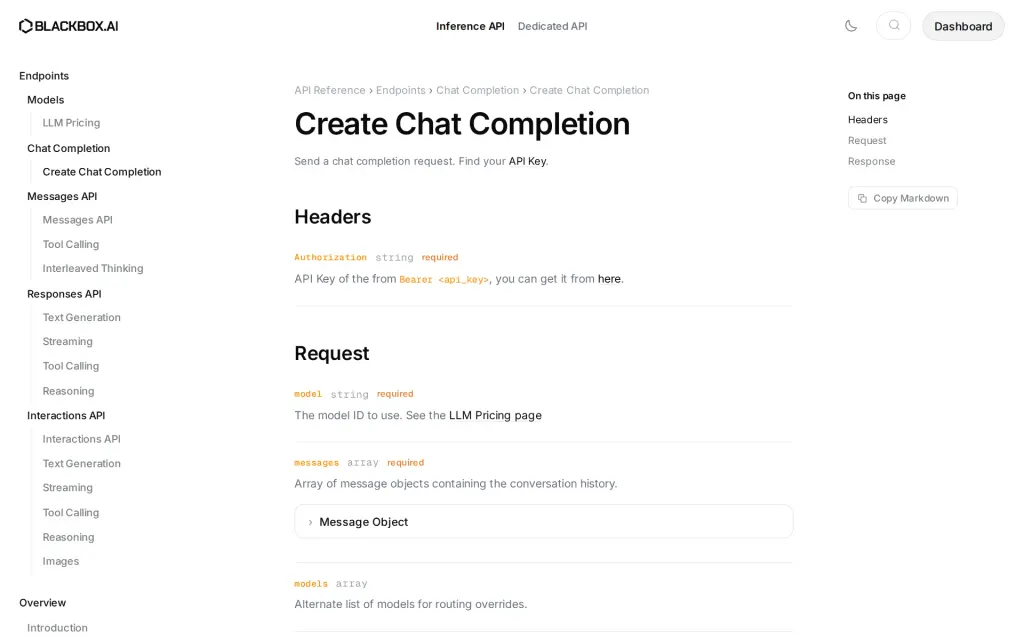
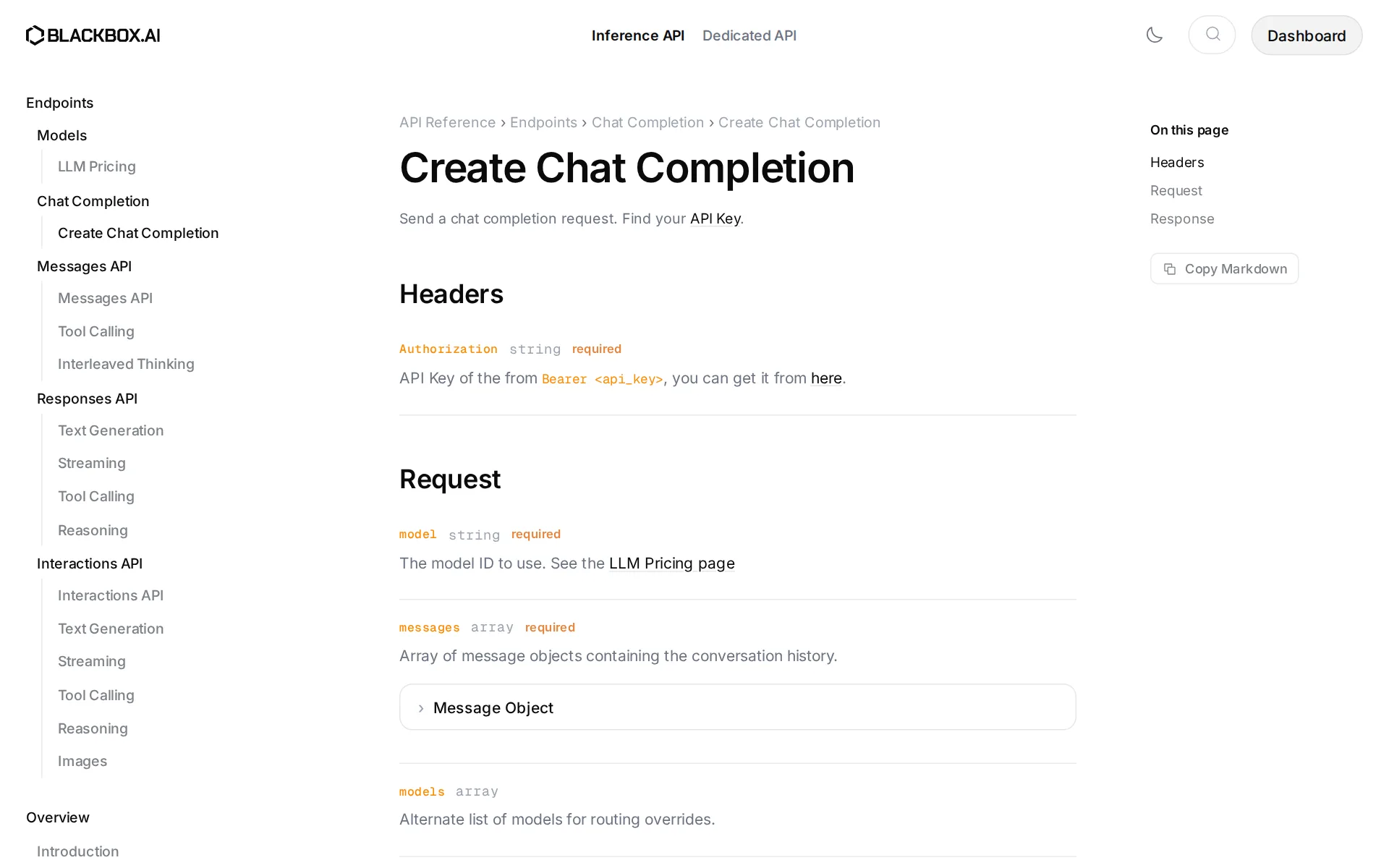
Docs, blackbox.ai, captured
Filed under
Is this yours? AI assistants like ChatGPT, Claude and Perplexity opened AgentsIndex pages 807 times from 17 October to 25 October. Claim it free and edit it in your dashboard, or feature it in Coding Agents.