
Mastra
What is Mastra?
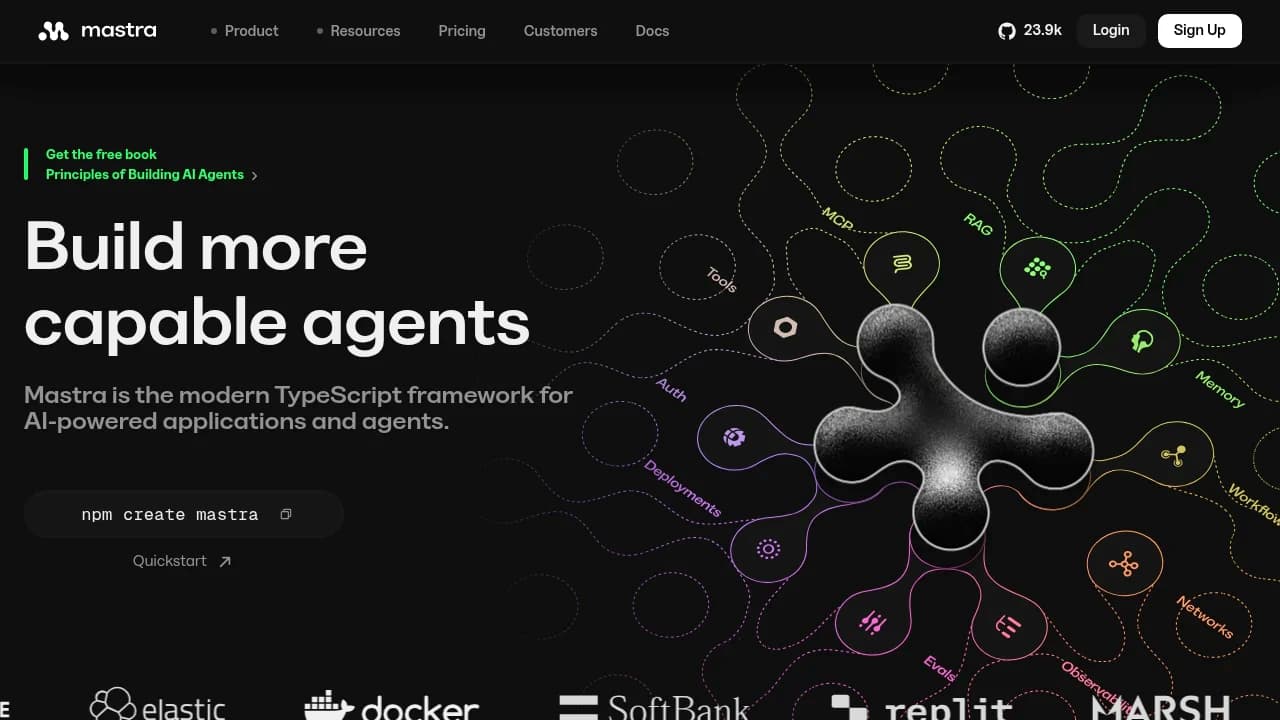
Mastra is an open-source TypeScript framework for developers and teams building AI-powered applications and agents without switching to Python. It combines FrameworkTS, AI Orchestration, Observability, Studio, Collaborative Studio, Server, Memory Gateway, and Cloud Deployment, with REST API access and integrations like Next.js, Express, Hono, GitHub, Slack, Zapier, Discord, YouTube, and X (Twitter). Pricing runs Free, Pro custom, and Enterprise custom.
Last verifiedHow we evaluate
At a glance
- Mastra is best for TypeScript developers who need to build and deploy AI agents with observability.
- Free; Pro custom; Enterprise custom
- Yes — REST API with framework integration support; the vendor says it accepts REST calls.
What it is
Mastra is an open-source TypeScript framework for building AI agents: it bundles agent orchestration, durable workflows, RAG, a memory layer, evals, and an LLM-provider router (OpenAI, Anthropic, Google and others via a single provider/model string) into one package, plus a local dev UI (Studio) and a hosted deployment target (Mastra Platform/Cloud). It targets Node.js 22.18+ and integrates with Next.js, Express, Hono, SvelteKit and Astro. There is no equivalent for Python or other languages — this is a TypeScript-only tool.
Traction and momentum
The mastra-ai/mastra GitHub repo has 27,338 stars and 2,665 forks (checked 2026-08-20), and pull requests were still merging into main on the day of this check — this is an actively maintained project, not one coasting on past popularity. @mastra/core alone gets roughly 1.22M npm downloads/week (checked via npmjs.org's download API, week of 2026-08-13). Published customer case studies name Salesforce, Sanity, SoftBank, WorkOS, Factorial and Replit; Elastic has independently written about using Mastra for agentic RAG on Elastic's own engineering blog, which is stronger evidence than a logo on Mastra's site since Mastra doesn't control that page.
Licensing: mostly open, with a carve-out worth knowing about
The bulk of the codebase is Apache License 2.0 (GitHub's license detector shows 'NOASSERTION' because the repo mixes licenses, not because the license is unclear — the terms are spelled out in the repo's LICENSE.md). The exception is code under any 'ee/' directory, currently the SSO/RBAC/IAM auth providers for the self-hosted Mastra Studio (e.g. Okta integration): you can read, modify and test that code freely, but running it in production requires a paid Mastra Enterprise license, per the separate ee/LICENSE file and Mastra's own docs. This is a fairly common open-core pattern, but it's specifically the kind of thing that changes at production time and is worth budgeting for if your deployment needs SSO.
How pricing works on the hosted platform
Mastra Platform (the hosted/cloud offering) has three tiers, confirmed directly on the pricing page: Starter is free (100K observability events, 24 CPU-hours, 15-day data retention, then metered at $10/100K events and $0.35/CPU-hour); Teams is $250/month (1M events, 250 CPU-hours, 6-month retention, SSO and SOC 2 docs included, then $8/100K events and $0.25/CPU-hour); Enterprise is custom-quoted with RBAC, audit logs and a dedicated support engineer. Mastra also runs an optional LLM gateway priced at 'market rate + 5.5%' on token usage if you don't bring your own API key — the same 5.5% markup OpenRouter charges for Stripe-funded credits, so it isn't priced above the comparable alternative. Self-hosting the framework itself (outside the ee/ features) costs nothing beyond your own infrastructure and model API bills.
Security posture and a real incident to read about
Mastra runs a public trust center (trust.mastra.ai, Vanta-powered) and states it received a SOC 2 Type II report in October 2025. It also publishes a Data Processing Agreement and a public status page. More notably: on 2026-06-16/17, Mastra suffered an npm supply-chain attack after a maintainer's account was compromised via a social-engineering (LinkedIn/phishing) attack. Mastra's own incident report says a token tied to that account published 116 malicious packages across the @mastra npm scope; independent research from Socket.dev puts the number at 140+ and identifies the mechanism as a typosquatted dependency ('easy-day-js') carrying a postinstall hook that ran an infostealer targeting crypto-wallet browser extensions and browser data, with cross-platform persistence, before Mastra unpublished the affected versions within hours. The compromise is also independently logged in the OSV/GHSA malicious-package database (GHSA-pp62-grrw-hvfp) against @mastra/core 1.42.1. Mastra's disclosure is unusually detailed (exact timeline, root cause, links to the third-party writeup) rather than a vague notice, which counts in its favor, but the incident itself is real and anyone who installed the framework during that window should have rotated credentials.
Company and funding
Mastra is built by Kepler Software, Inc. (per the repo's copyright notice), founded by Sam Bhagwat, who previously co-founded Gatsby. The company has raised $35M total: a $13M seed round backed by Y Combinator, Paul Graham, Gradient, Amjad Masad, Guillermo Rauch and Balaji Srinivasan among 120+ others, and a $22M Series A led by Spark Capital announced April 9, 2026 — both figures stated on Mastra's own blog. A company at this funding stage and burn profile has an obvious incentive to keep shipping and monetizing the hosted platform, which is worth weighing against the risk of a young vendor changing pricing or licensing terms as it looks for revenue.
Where it may not fit
Mastra is TypeScript-only — there's no first-party Python SDK, which rules it out if your stack is Python-based. It's also young relative to alternatives like LangChain: independent comparison write-ups (treated here as general commentary rather than a source of hard numbers) consistently describe Mastra's APIs as having moved more over the past year than more established frameworks, and its third-party integration catalog as smaller than LangChain's much larger ecosystem. If you need broad pre-built integrations or API stability guarantees over a multi-year horizon, that's worth weighing against Mastra's faster iteration and TypeScript-native design.
Frequently asked questions
What is Mastra?
Mastra is a modern TypeScript framework for building AI agents and AI-powered applications. It focuses on the full agent lifecycle, including development, testing, observability, and deployment.
Why choose Mastra over Python frameworks?
Mastra is a more integrated TypeScript development experience. For teams already building in JavaScript or TypeScript, that can reduce context switching while keeping agent code close to the rest of the app.
Is Mastra an agent builder?
Yes. Mastra is specifically designed for building and deploying AI agents, not just wrapping model calls. Its product surface includes FrameworkTS, Studio, Server, and Memory Gateway.
What can you build with Mastra?
You can build AI applications ranging from automated workflows to more complex agent-driven tasks. The vendor also shows templates such as Google Sheet analysis and chat with a database.
Does Mastra have an API?
Yes. Mastra provides a REST API, and the vendor says it supports integration with various frameworks. That makes it easier to connect agent workflows to existing systems.
Can Mastra be self-hosted?
Yes. Mastra offers self-hosted options, including Apache 2.0 licensed free framework usage and enterprise self-hosted features. The enterprise self-hosted setup keeps data in your VPC and adds RBAC, SSO, IAM, and network policy integration.
What integrations does Mastra support?
Mastra lists integrations with Next.js, Express, Hono, GitHub, Slack, Zapier, Discord, YouTube, and X (Twitter). Those connectors help teams plug agents into web apps, internal tools, and distribution channels.
How does Mastra handle observability?
Mastra includes Observability for metrics, logs, and traces. That gives teams a way to inspect agent behavior, debug failures, and monitor production runs over time.
Is there a free version of Mastra?
Yes. Mastra has a free tier, and the open-source framework is available at no cost. The pricing page also lists paid Pro and Enterprise options for teams that need more.
What security features are available?
Mastra's enterprise self-hosted offering includes RBAC, SSO, IAM, and network policy integration. It also states that no traces, prompts, or outputs leave your environment when self-hosted in your VPC.
Editor's read
Check whether your deployment needs self-hosted or VPC-based controls before committing. Those enterprise controls exist, but pricing is custom, so confirm the security and infrastructure requirements that trigger the Enterprise path.

Explore other Agent Tools & Integrations


