
BrowserAct
What is BrowserAct?
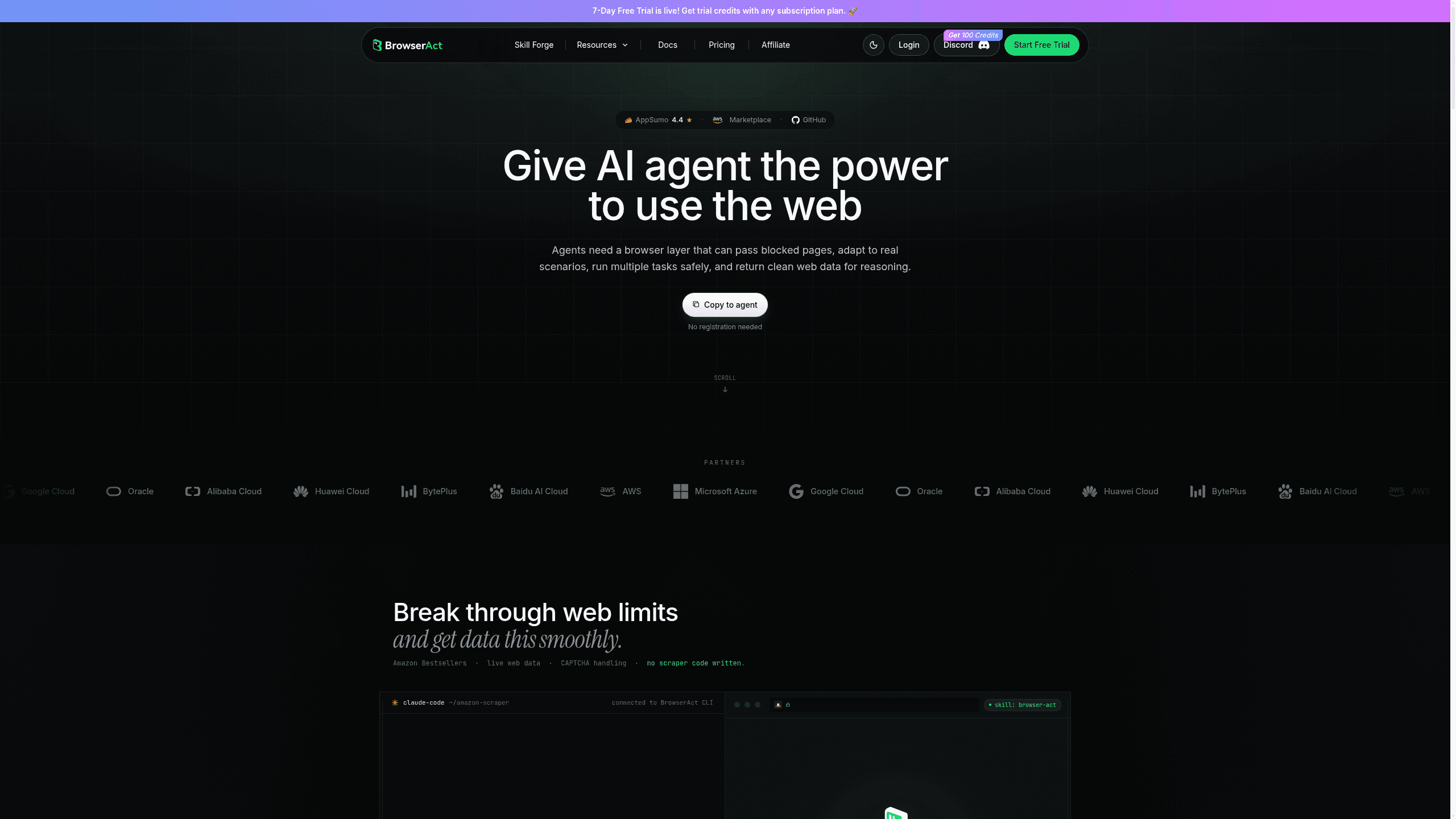
BrowserAct is a browser automation platform for automation engineers, data teams, operations teams, and AI builders that keeps workflows moving through logins, CAPTCHAs, and protected pages while returning structured web data. It combines Break through web blocks, Browser modes, Clean web data, and Semantic browser memory, and it integrates with Make, n8n, Zapier, and MCP. Plans run a permanently free tier the vendor labels “Free Trial” at $0.00/month, then Basic $13.00/month, Essential $56.00/month, and Advanced $96.00/month billed annually — $16, $70 and $120 billed monthly.
Last verifiedHow we evaluate
At a glance
- BrowserAct is best for teams that need browser automation to survive logins, CAPTCHAs, and changing site layouts.
- Free $0.00/mo, permanent; Basic $13.00/mo, Essential $56.00/mo, Advanced $96.00/mo billed annually ($16/$70/$120 monthly); 7-day trial on paid tiers
- 7 days
- Yes — You can call BrowserAct through API or MCP to trigger browser tasks, run workflows, and return structured web data.
What it's for
BrowserAct ships two distinct products under one brand. BrowserAct Cloud is a no-code, AI-built scraper: describe a target site and the fields you want, and it explores the page, builds a reusable "Bot," and re-runs it on demand, exporting to CSV/JSON or pushing into Make, n8n, Zapier, or an API/MCP endpoint (https://docs.browseract.com/overview/what-is-browseract-cloud). Agent CLI / Skills is a separate, open-source local tool (MIT license, github.com/browser-act/skills) that gives a coding agent — Claude Code, Cursor, Codex, Gemini CLI — a real, stealth-capable local browser with indexed, LLM-friendly state output instead of raw HTML or DOM parsing (https://github.com/browser-act/skills). The two share infrastructure (proxies, fingerprinting, CAPTCHA solving) but solve different jobs — one for a business user who wants a recurring dataset, one for a developer wiring browser control into an agent's own workflow.
What it does well
The self-healing claim is concrete and specific, not marketing fog: the vendor's own docs and homepage demo show a Bot re-locating the same fields after a page's layout changes, rather than failing outright (https://browseract.com/). For the local CLI, the free tier is unusually generous by design, not by omission — per the GitHub README, browser automation, Chrome-profile reuse, and even the paid-feeling extras (stealth browser sessions up to 5, CAPTCHA solving, human handoff via remote-assist) are free with just a login; only managed proxies and stealth browsers beyond 5 concurrent sessions cost credits (https://github.com/browser-act/skills). The Skills repo is genuinely active: 6,015 stars, MIT-licensed, not archived, with a commit pushed 24 August 2026 and repo metadata updated 25 September 2026 — this is a maintained project, not an abandoned marketing repo (https://api.github.com/repos/browser-act/skills). Independent buyer feedback is also real and mixed-but-positive: AppSumo lists 57 verified-purchase reviews averaging 4.4/5, with founder replies to both praise and specific complaints (e.g. a user who found the ready-made templates too rigid for a non-technical use case) (https://appsumo.com/products/browseract/).
Pricing today: credits, not a plan ladder
As of 26 September 2026, browseract.com/pricing shows no flat monthly subscription tiers — the model is entirely credit-based and split by product. For Cloud Bots: a "Bot-Agent" (AI-built) typically costs 300–500 credits to build and 10–20 credits per run for a simple task, or 800–1,500 to build and 20–30 per run for a complex one (roughly 2–6% of the build cost per subsequent run); a "Bot-Workflow" (manually assembled, deterministic) costs a flat 3 credits per executed step. Add-on infrastructure is priced separately: a local fingerprint browser profile is 100 credits (about $0.064 each at the vendor's stated rate), and BrowserAct's dynamic residential proxy is 5,000 credits/GB (about $3.20/GB) (https://browseract.com/pricing). A free plan exists — new signups get starter credits — and a custom/contact-sales tier covers larger volume. This replaces the flat Free/$13/$56/$96 monthly ladder our database previously recorded; that ladder no longer appears anywhere on the live pricing page. Separately, BrowserAct also sells lifetime-deal licenses through AppSumo (five one-time tiers, $69–$579, bundling 20,000–130,000 credits/month) — that program is currently marked "Sold out" on AppSumo and is a different purchase path from the subscription/credit model on browseract.com (https://appsumo.com/products/browseract/).
Reviews and reputation
BrowserAct cites a 4.6 rating on G2 and a 4.4 rating on AppSumo on its own site (https://browseract.com/cli). We could independently confirm the AppSumo figure — 4.4/5 across 57 verified-purchase reviews, visible directly on AppSumo's own page (https://appsumo.com/products/browseract/) — but G2's review page returned a CAPTCHA wall to both a direct fetch and a proxy fetch, so the 4.6 figure is a vendor citation we could not verify independently; treat it as unconfirmed until checked against G2 directly.
Company and data handling
BrowserAct's privacy policy (last updated 15 May 2025) names "Hongkong Ziniao Technology Co., Limited" as the current operating entity and "CYBER BYET PTE. LTD." (Singapore) as a named previous entity for the same service (https://www.browseract.com/privacy-policy) — worth knowing if a legal or procurement review needs to identify who a data-processing agreement would actually be with. We found no dedicated security/trust page (browseract.com/security returns 404) and no separate status page, so uptime history and compliance certifications (SOC 2, DPA, sub-processor list) are not independently published; a buyer needing those would have to ask sales directly.
How much does BrowserAct cost?
| Plan | Price | What's included |
|---|---|---|
| Free | $0.00/month |
|
| Basic | $13.00/mo billed annually ($16.00/mo monthly) |
|
| Essential | $56.00/mo billed annually ($70.00/mo monthly) |
|
| Advanced | $96.00/mo billed annually ($120.00/mo monthly) |
|
Frequently asked questions
What is BrowserAct?
BrowserAct is a browser automation platform for automation engineers, data teams, operations teams, and AI builders that keeps workflows moving through logins, CAPTCHAs, and protected pages while returning structured web data. It combines Break through web blocks, Browser modes, Clean web data, and Semantic browser memory, and it integrates with Make, n8n, Zapier, and MCP. BrowserAct says each paid tier (Basic, Essential, Advanced) comes with its own 7-day free trial, alongside a permanently free tier.
How much does BrowserAct cost? Is it free?
BrowserAct has a free plan, with paid tiers including Basic at $13.00/month, Essential at $56.00/month and Advanced at $96.00/month when billed annually — $16, $70 and $120 respectively when billed monthly.
What is BrowserAct used for? Who is it for?
BrowserAct is used for Break through web blocks, Browser modes, and Unlimited concurrency. It's built for Automation engineers, Data teams, and Operations teams that run multi-account workflows and need isolated browser sessions.
Does BrowserAct have an API and what does it integrate with?
You can call BrowserAct through API or MCP to trigger browser tasks, run workflows, and return structured web data. It integrates with Make, n8n, Zapier, Claude Code, Codex, and 25 more.
Editor's read
Check the simultaneous-task ceiling before committing: Basic allows 10, Essential 20, and Advanced 40. If your workflows need more parallel browser sessions, that tier jump is the main capacity decision.

Explore other Browser Agents


