
At a glance
- Category
- Personal Assistants
- Tags
- Free, Free Trial, SOC 2
For developers
- Runs
- Cloud
Security
- Compliance
- SOC 2 Type II[7]
What is Reclaim.ai?
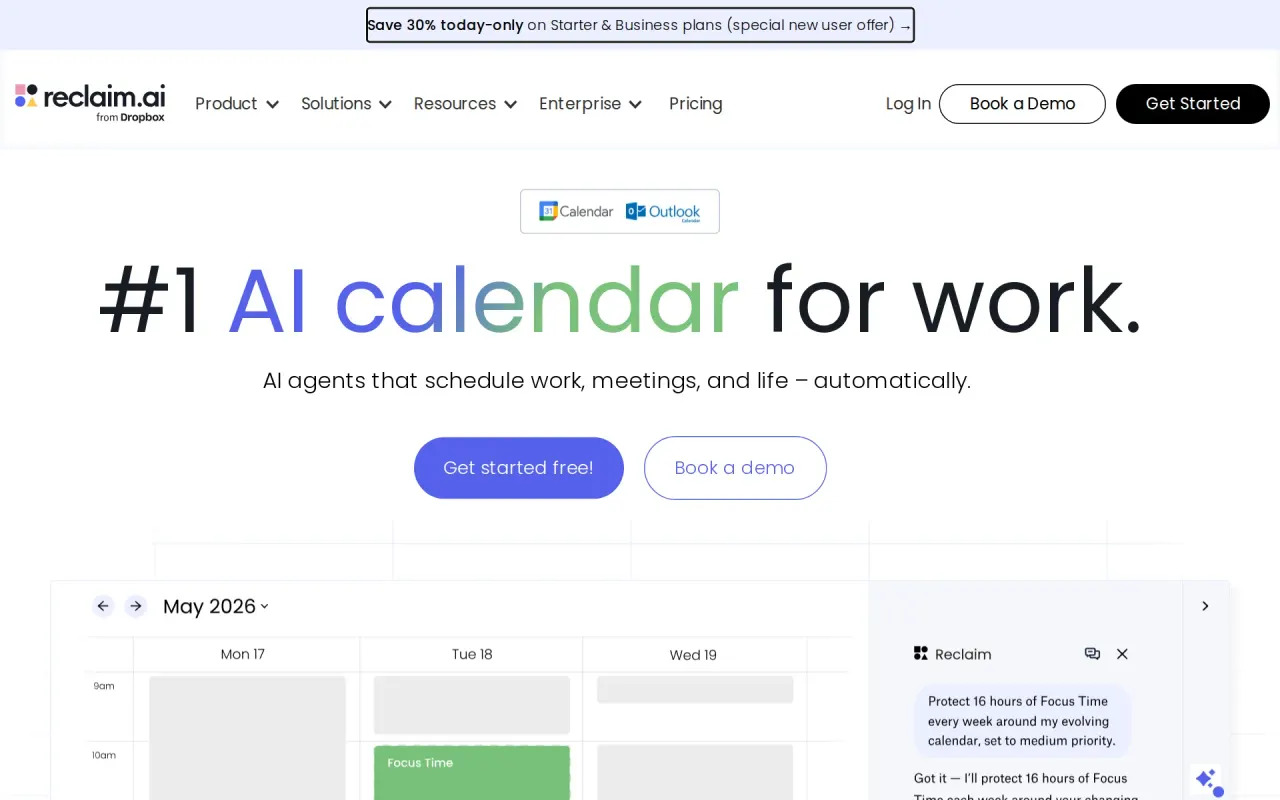
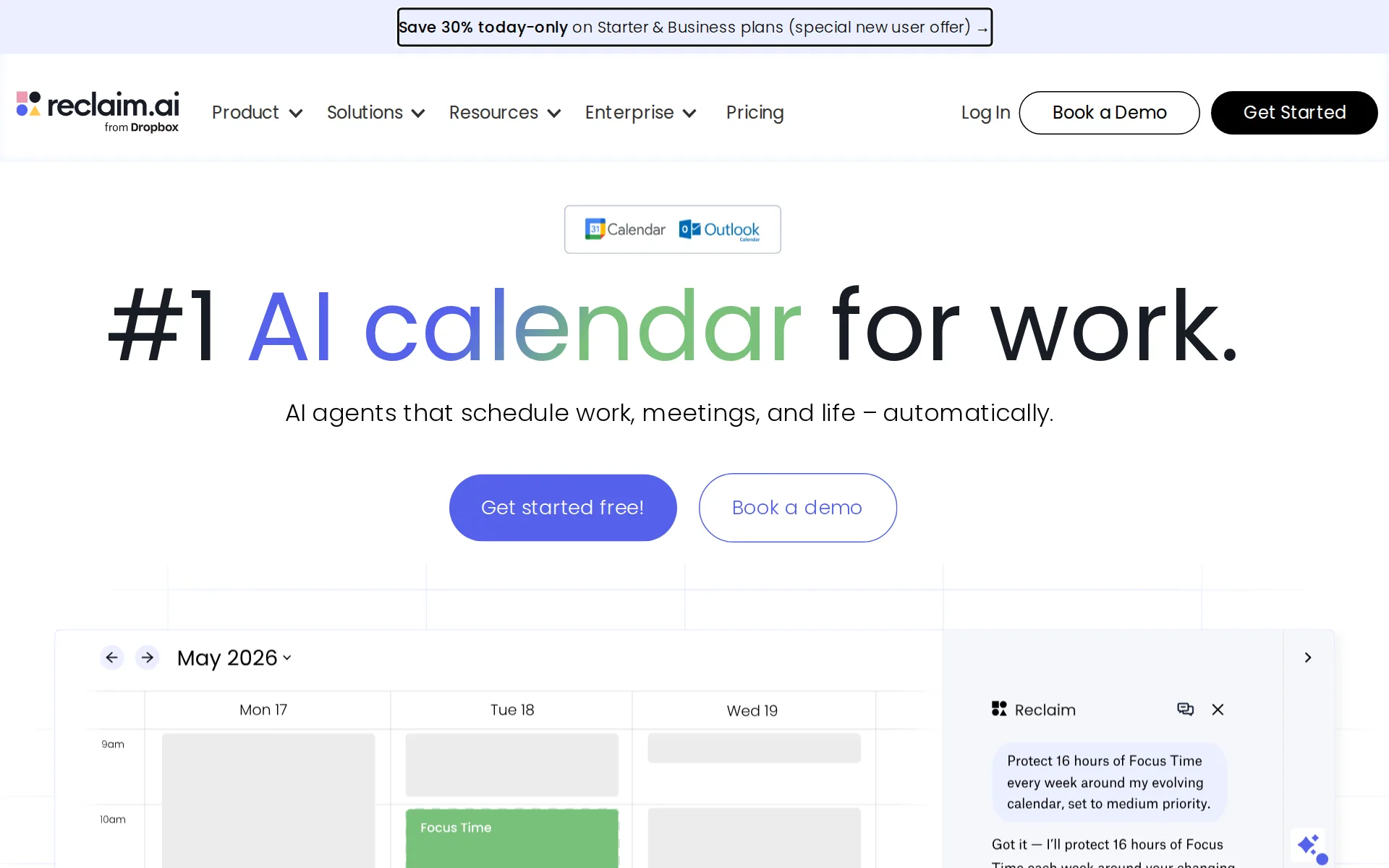
Reclaim.ai is a calendar automation tool for teams that protects focus time, places habits, and schedules meetings around real availability. Its AI Focus Time, AI Scheduling Links, AI Buffer Time, AI Habits, AI Smart Meetings, and AI Calendar Sync work with Google Calendar and Outlook Calendar, and it's used by Dropbox, 1Password, Zapier, Miro, and Github. Lite is free.
What does Reclaim.ai do?
Reclaim.ai automates calendar planning by defending focus time, placing habits, and fitting meetings around real availability. Its AI Focus Time, AI Scheduling Links, and AI Buffer Time work together to protect deep-work blocks, share bookable windows, and add breaks or travel time between sessions. The result is a calendar that adjusts itself instead of forcing manual rescheduling.
At scale, Reclaim.ai is used by 600,000 users across 70,000 companies, and the product is built for teams with over 100 employees as well as smaller groups. Customers named on the site include Dropbox, 1Password, Zapier, Miro, Zendesk, Instacart, Salesforce, Grafana, and Hydrolix. The company also shows GDPR compliance and SOC 2 Type 2 on its site. Reclaim.ai does not advertise an API, mobile app, browser extension, or self-hosting option on the public pages provided.
Why use Reclaim.ai?
- It protects focus time automatically, so busy calendars can keep deep-work blocks intact without constant manual edits.
- Its scheduling links and smart meeting controls reduce back-and-forth when coordinating availability across teams.
- Habit scheduling helps recurring routines land in the best open slots instead of getting pushed aside.
- Workforce analytics gives managers a view into how teams spend time, which helps planning beyond individual calendars.
- The product is already used by 600,000 users at 70,000 companies, which signals maturity for team-wide rollout.
Who is Reclaim.ai for?
- Product teams who need to defend focus time while keeping planning flexible.
- Executive assistants who want faster meeting booking and less manual calendar juggling.
- Engineering managers who need better sprint planning and fewer interruptions.
- HR teams who want clearer work-life balance and more predictable scheduling.
- Sales teams who need to book meetings quickly without losing routine work time.
What are Reclaim.ai's key features?
AI Focus Time
Blocks protected work time in Google Calendar or Outlook Calendar, helping teams reclaim the 7.6 hours on average saved each week.
AI Scheduling Links
Lets others book time through Scheduling Links while respecting your calendar rules, reducing back-and-forth for teams like Dropbox and Zapier.
AI Buffer Time
Automatically adds buffer around meetings and tasks, which helps prevent overload and supports the 44% improvement in employee time management.
AI Habits
Schedules recurring habits and tracks progress in your calendar, so routines stay visible alongside meetings and tasks in Google Calendar or Outlook.
AI Smart Meetings
Auto-schedules meetings across team calendars and can handle 50 meetings for remote teams, cutting manual coordination for distributed groups.
AI Tasks
Pulls tasks from tools like Asana, ClickUp, Todoist, Jira, Linear, and Google Tasks into your calendar so work gets planned against real availability.
AI Calendar Sync
Keeps Google Calendar and Outlook Calendar aligned, reducing double-booking and making schedule changes reflect across connected calendars.
Workforce Analytics
Shows scheduling and time-use data for teams of over 100 employees, helping managers spot capacity issues and measure time saved.
What are Reclaim.ai's use cases?
Product teams protect focus
Product teams who need to defend focus time while keeping planning flexible use Reclaim.ai to block deep-work windows without freezing the calendar. They rely on AI Focus Time and AI Planner to keep priorities visible, then let AI Smart Meetings move around real deadlines and team changes.
Executive assistants book faster
Executive assistants who want faster meeting booking and less manual calendar juggling use AI Scheduling Links to let others grab time without back-and-forth. They pair it with AI Buffer Time and AI Calendar Sync to keep calendars realistic, reduce conflicts, and avoid overbooking busy leaders.
Engineering managers plan sprints
Engineering managers who need better sprint planning and fewer interruptions use AI Tasks and AI Focus Time to reserve time for code reviews, planning, and execution. With AI Smart Meetings and AI Buffer Time, they can keep ceremonies on track while protecting the team from constant context switching.
HR teams balance workloads
HR teams who want clearer work-life balance and more predictable scheduling use AI Habits and Team OOO Calendar to make recurring routines and time off visible across the team. Workforce Analytics helps them spot overload early and support healthier scheduling decisions.
How does Reclaim.ai work?
- Connect Google Calendar or Outlook Calendar first, then let AI Calendar Sync mirror existing events so Reclaim.ai can understand your real availability before it starts scheduling anything new.
- Add AI Focus Time, AI Habits, and AI Tasks to reserve recurring work blocks, protect routines, and keep priorities on the calendar without manual reshuffling.
- Create AI Scheduling Links for meetings you want others to book, and use AI Buffer Time to leave breathing room before and after calls.
- Turn on AI Smart Meetings and Team OOO Calendar so the system can move meetings around conflicts, absences, and changing priorities while keeping everyone aligned.
- Review Workforce Analytics and AI Time Tracking regularly to see where time goes, then adjust habits, tasks, and meeting rules to keep schedules realistic.
How much does Reclaim.ai cost?
Lite
Free
- 1 user team
- 1 Scheduling Link
- 1 Habit
- 1 Personal Calendar Sync
- Unlimited Tasks
- Unlimited Buffer Time
From reclaim.ai/pricing, checked .
What does Reclaim.ai integrate with?
- YesSlack
- YesAsana
- YesClickUp
- YesTodoist
- YesJira
- YesLinear
- YesGoogle Tasks
- YesZoom
- YesRaycast
- YesGoogle Calendar
- YesOutlook Calendar
- YesCalendly
- YesOutlook
Frequently asked questions
- What is Reclaim.ai?
- Reclaim.ai is a calendar automation tool for teams that protects focus time, places habits, and schedules meetings around real availability. Its AI Focus Time, AI Scheduling Links, AI Buffer Time, AI Habits, and AI Smart Meetings work with Google Calendar and Outlook Calendar, and it's used by Dropbox, 1Password, Zapier, and Miro. Lite is free.
- How much does Reclaim.ai cost? Is it free?
- Reclaim.ai is free to use. Reclaim.ai says it offers a free 14-day trial of its paid plans, alongside a permanently free Lite plan.
- What is Reclaim.ai used for? Who is it for?
- Reclaim.ai is used for AI Focus Time, AI Scheduling Links, and AI Buffer Time. It's built for Product teams, Executive assistants, and Engineering managers.
- Does Reclaim.ai have an API and what does it integrate with?
- Reclaim.ai doesn't publish a public API. It integrates with Slack, Asana, ClickUp, Todoist, Jira, and 8 more.
Screenshots
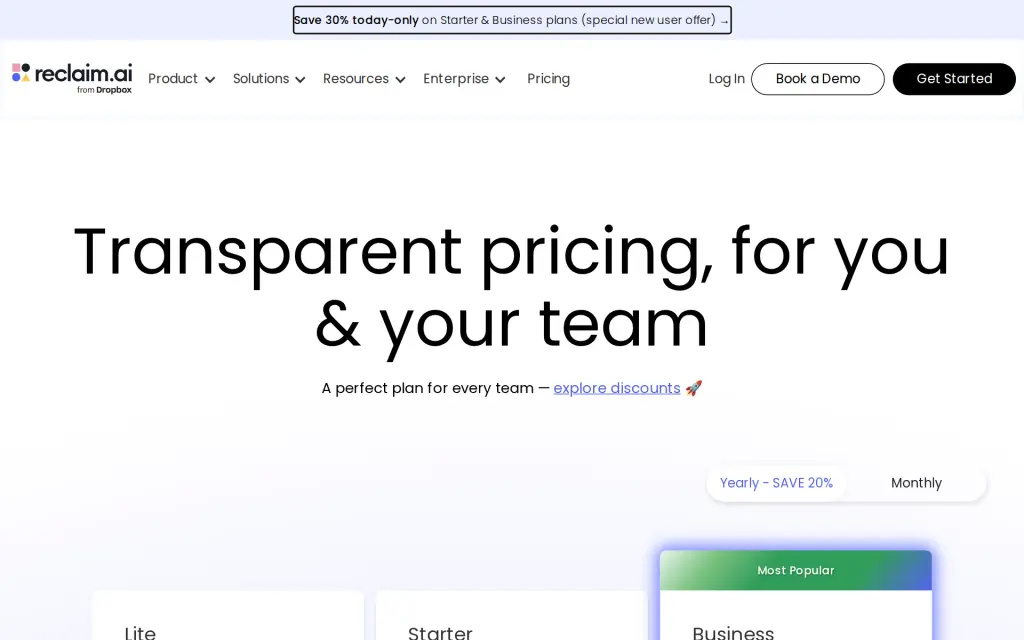
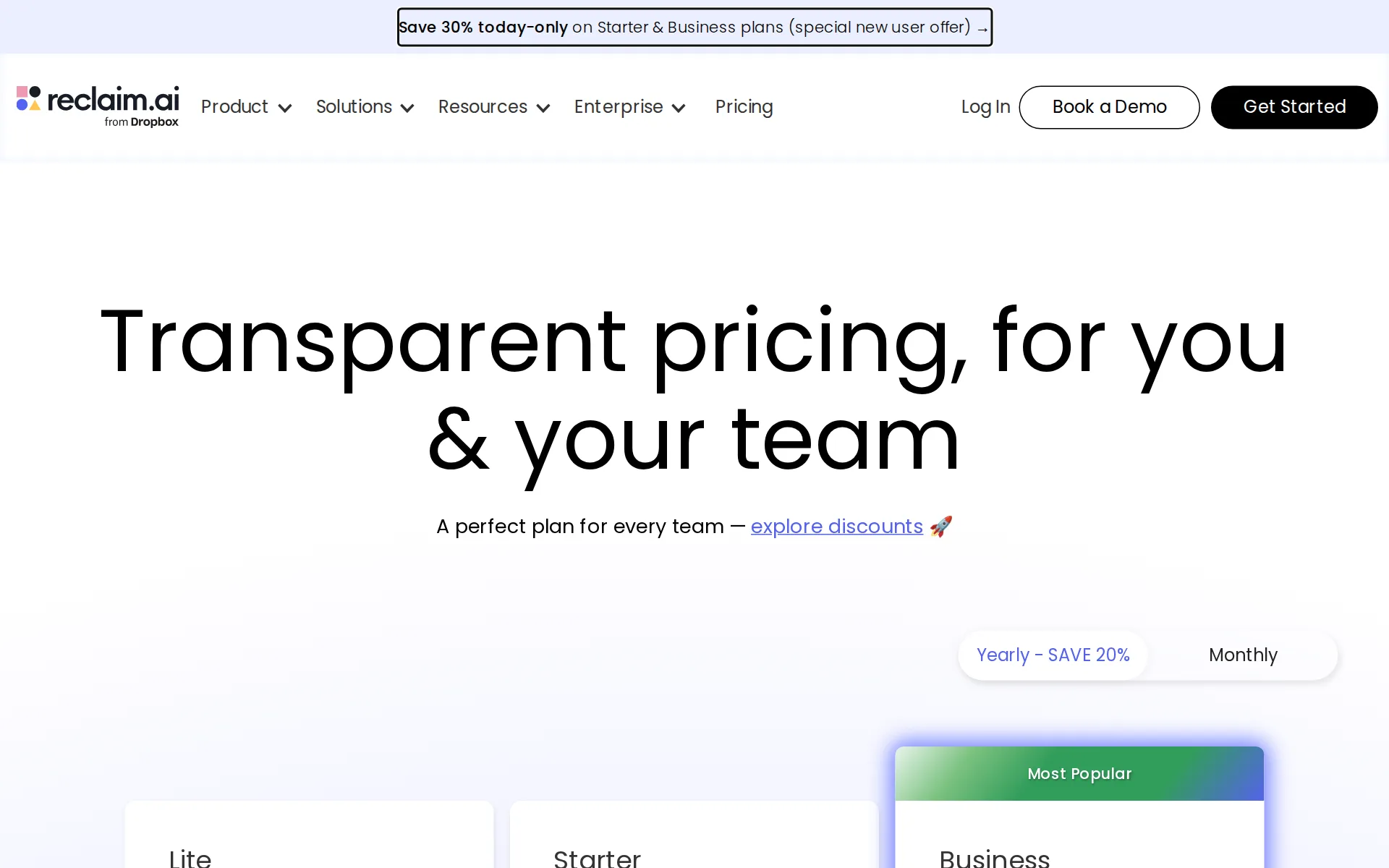
Pricing page, reclaim.ai, captured
Sources
Based on Reclaim.ai's own pages, not a hands-on trial. Checked against reclaim.ai on .
- reclaim.ai
- reclaim.ai/pricing
- reclaim.ai/features/habits
- reclaim.ai/about
- reclaim.ai/integrations
- reclaim.ai/customers
- reclaim.ai/security
- reclaim.ai/enterprise
- reworked.co/digital-workplace/dropboxs-acquisition-of-reclaim-is-about-more-than-just-scheduling
- salestechstar.com/price-optimization-revenue-management/reclaim-ai-closes-9-5m-in-total-funding-launches-scheduling-links-feature-reveals-60-2-burnout-rate-among-knowledge-workers
Filed under
Is this yours? AI assistants like ChatGPT, Claude and Perplexity opened AgentsIndex pages 807 times from 17 October to 25 October. Claim it free and edit it in your dashboard, or feature it in Personal Assistants.