
At a glance
- Category
- Data Analysis Agents
- Tags
- Freemium, SOC 2
For developers
- Runs
- Cloud
Security
- Compliance
- SOC 2 Type II
What is Browse AI?
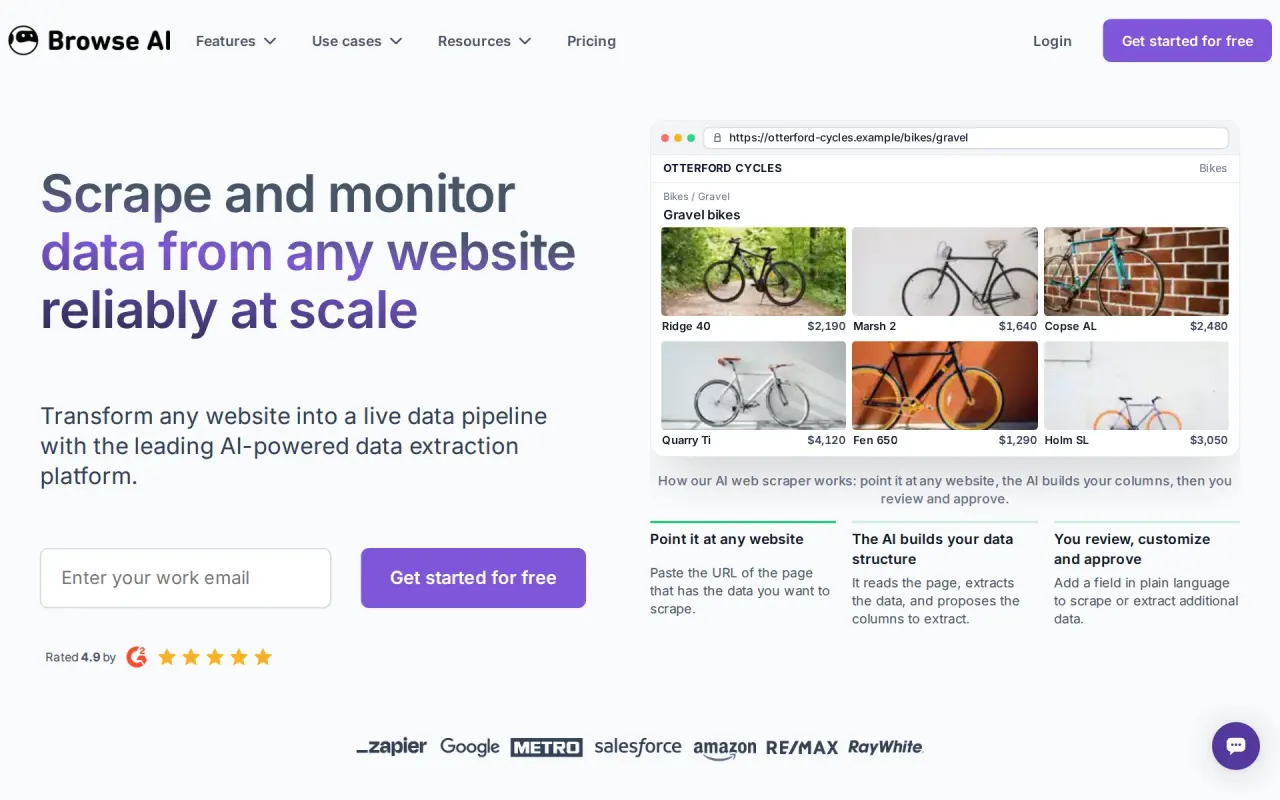
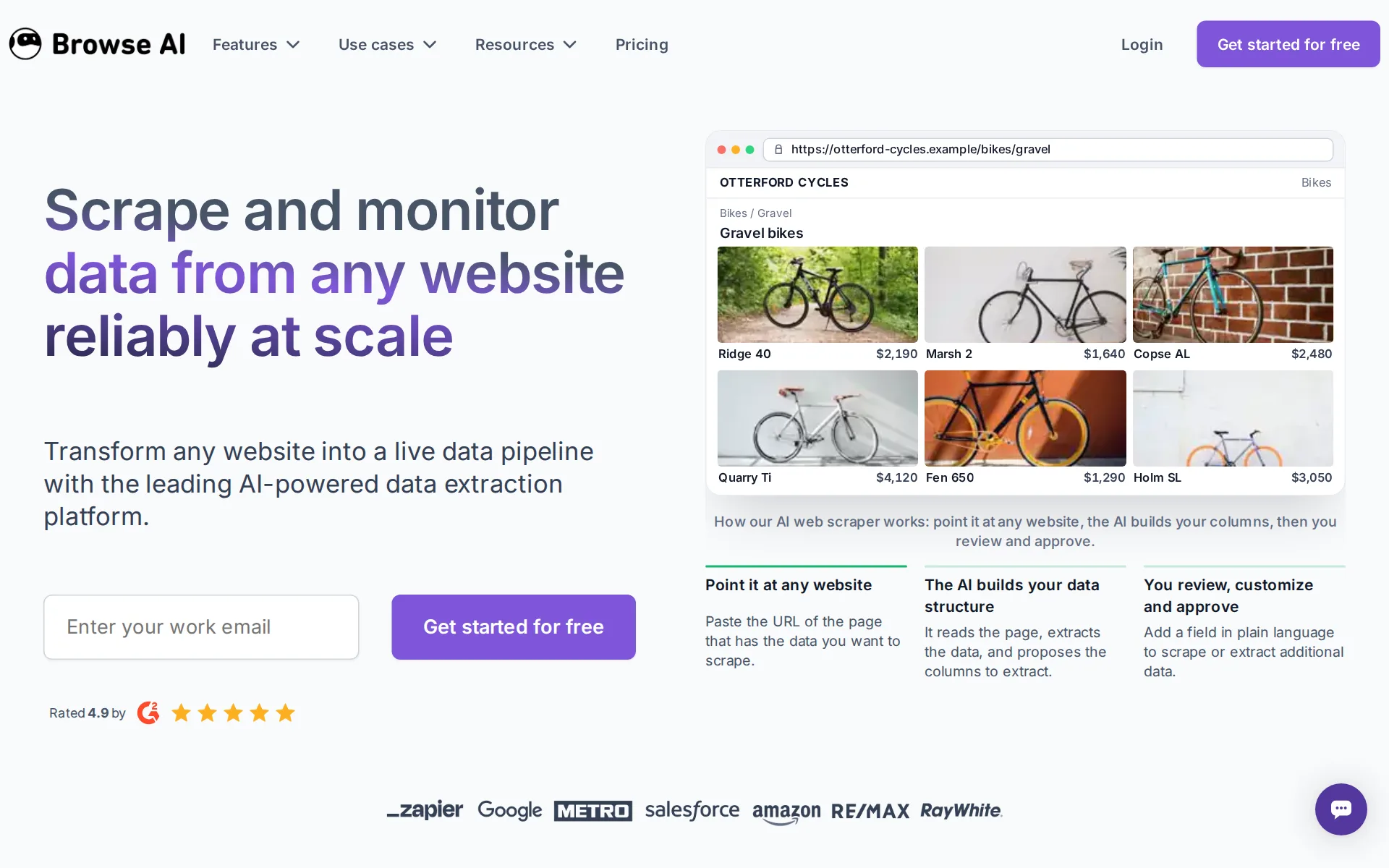
Browse AI is a no-code web scraping platform for teams that turns websites into structured data pipelines and keeps them updated as pages change. It combines AI web scraper, websites to spreadsheets, website monitoring, websites to APIs, and prebuilt robots for dynamic pages and pagination. It integrates with Zapier, Make, Salesforce, and HubSpot, and customers shown include Google, Salesforce, Amazon, and METRO.
Plans run Free, Personal from $19/month and Professional from $69/month when billed annually (or $48 and $87 per month billed monthly), and Premium starting at $500/month billed annually.
Pricing: the same plan has two different prices
Browse AI's pricing page leads with "From $19/mo" for Personal and "From $69/mo" for Professional, but those are the annual-prepay prices. Billed annually, Personal is $19/month ($228 upfront for the year) with 12,000 credits for the year; billed monthly, the same Personal tier is $48/month with 2,000 credits every month (24,000/year) — double the annual plan's yearly credit pool. Professional follows the same pattern: $69/month billed annually ($828/year, 60,000 credits/year) versus $87/month billed monthly (5,000 credits/month, also 60,000/year, so the credit gap that hits Personal doesn't apply here). The vendor's own FAQ describes the annual option only as "a 20% discount" for prepaying a year; the actual gap on Personal is closer to 60% off the monthly sticker price. Free stays simple: $0, 50 credits/month, 2 domains, 3 users, no card required. Premium starts at $500/month billed annually for custom limits and a dedicated account manager.
Company, funding, and continuity
Browse AI is built by Browse AI Inc., founded in January 2020 by a self-funded two-person team that went through Startup Edmonton's Propel pre-accelerator before an accelerator program in San Francisco in 2021. It launched publicly on Product Hunt in September 2021, took its first outside investment from Angels of Many in February 2022, and a second from Zapier in August 2022 after Zapier staff became users and championed it internally. The company says it hit breakeven at 250,000 users and raised $2.8M in August 2023 from a group of angel investors that included co-founders of Dropbox, DoorDash, Blinkist, Pitch, and Nasty Gal. As of 2026 it reports more than 800,000 users, 9B+ data records delivered, and 1,500+ businesses on the platform — vendor-published figures we could not independently check. The company is clearly active, not stalled: its pricing, trust center, and product pages are all current for 2026, and its published roadmap moved from a browser extension (pre-2024) to a full cloud platform (2024) to Premium managed services (2025) to a 9-billion-record milestone (early 2026).
Security, compliance, and licensing
Browse AI publishes SOC 2 Type II, GDPR, and CCPA badges on its pricing and about pages, and operates a real Trust Center at trust.browse.ai (Vanta-hosted) where a prospective buyer can request the actual SOC 2 report rather than just see a badge. Browse AI is closed-source: it ships as a hosted dashboard plus a Chrome extension for recording "robots," and no public GitHub organization or repository for the core product was found, so there's no open-source license to weigh — access is governed by its Terms of Service.
What's vendor-claimed versus independently checked
The scale numbers in this listing — 9B+ data records, 800,000+ users, 1,500+ businesses, and a 4.9/5 average rating — are all Browse AI's own figures, taken from its about-us and pricing pages. We could not check the rating or review volume on G2 or Capterra. Treat "4.9/5" as vendor-reported, corroborated only by the G2 "Easiest Admin," "High Performer," and "Small Business Leader" (Data Extraction category) badges Browse AI displays on its own homepage, not by a pulled G2 score.
How much does Browse AI cost?
Free
Free
- Credits per month
- 50
- 2 domains
- 3 users
- Unlimited robots
- Full platform access
Personal
$48 a month
- Credits per month
- 2,000
- 5 websites
- 3 users
- Unlimited robots
- Full platform access
- Basic email support
- Additional websites at $5/mo
- 2,000 credits per month
Professional
$87 a month
- Credits per month
- 5,00010,00020,00030,000
- 10 websites
- 10 users
- Unlimited robots
- Full platform access
- Priority email support
- Additional websites at $3/mo
- 5,000 credits per month
Premium
Starting at $500
- Credits per year
- 600,000+
- Customized limits on users, websites and credits
- Unlimited robots
- Fully managed onboarding and set up
- Data transformations
- Exclusive scale discounts
- Data management
- Dedicated Account Manager
From browse.ai/pricing, checked .
Works with
- YesGoogle Sheets
- YesAirtable
- YesZapier
- YesSalesforce
- YesHubSpot
- YesMake
- YesPabbly
- YesAWS S3
- YesAmazon S3
 ChatGPT
 Anthropic
Claude
- YesExcel
- YesIntegrately
- YesJSON file
- YesAmazon
- YesTikTok
- YesLinkedIn
- YesGoogle Maps
- YesZoomInfo
- YesESPN
- YesBuilt In
- YesMonster.com
- YesRightmove
- YesRedfin
- YesEventbrite
- YesSEEK business
 n8n
n8n- YesWordPress
- YesEnvato Elements
- YesGoogle
The facts, with their sources
What it costs to start
- What the price counts
- YesPriced as flat monthly plan tiers that each buy a credit allowance, so usage is metered in credits on top of the subscription: the comparison table prints a cost per credit of $0.019 on Personal and $0.014 to $0.011 on Professional, with extra credits sold as an add-on and Premium quoted custom from $0.010 a credit.
Cost per credit—$0.019$0.014 to $0.011Custom
browse.ai/pricing
Frequently asked questions
- What is Browse AI?
- Browse AI is a no-code web scraping platform for teams that turns websites into structured data pipelines and keeps them updated as pages change. It combines AI web scraper, websites to spreadsheets, website monitoring, websites to APIs, and prebuilt robots for dynamic pages and pagination. It integrates with Zapier, Make, Salesforce, and HubSpot, and customers shown include Google, Salesforce, Amazon, and METRO. Plans run Free, Personal from $19/month and Professional from $69/month when billed annually (or $48 and $87 per month billed monthly), and Premium starting at $500/month billed annually.
- How much does Browse AI cost? Is it free?
- Browse AI has a free plan, with paid tiers including Personal from $19/month and Professional from $69/month when billed annually (or $48 and $87 per month billed monthly), and Premium starting at $500/month billed annually.
- What is Browse AI used for? Who is it for?
- Browse AI is used for AI web scraper, Websites to spreadsheets, and Website monitoring. It's built for Operations teams that need recurring website data in spreadsheets or APIs, Growth teams that want monitored competitor, pricing, or lead data, and Analysts.
- Does Browse AI have an API and what does it integrate with?
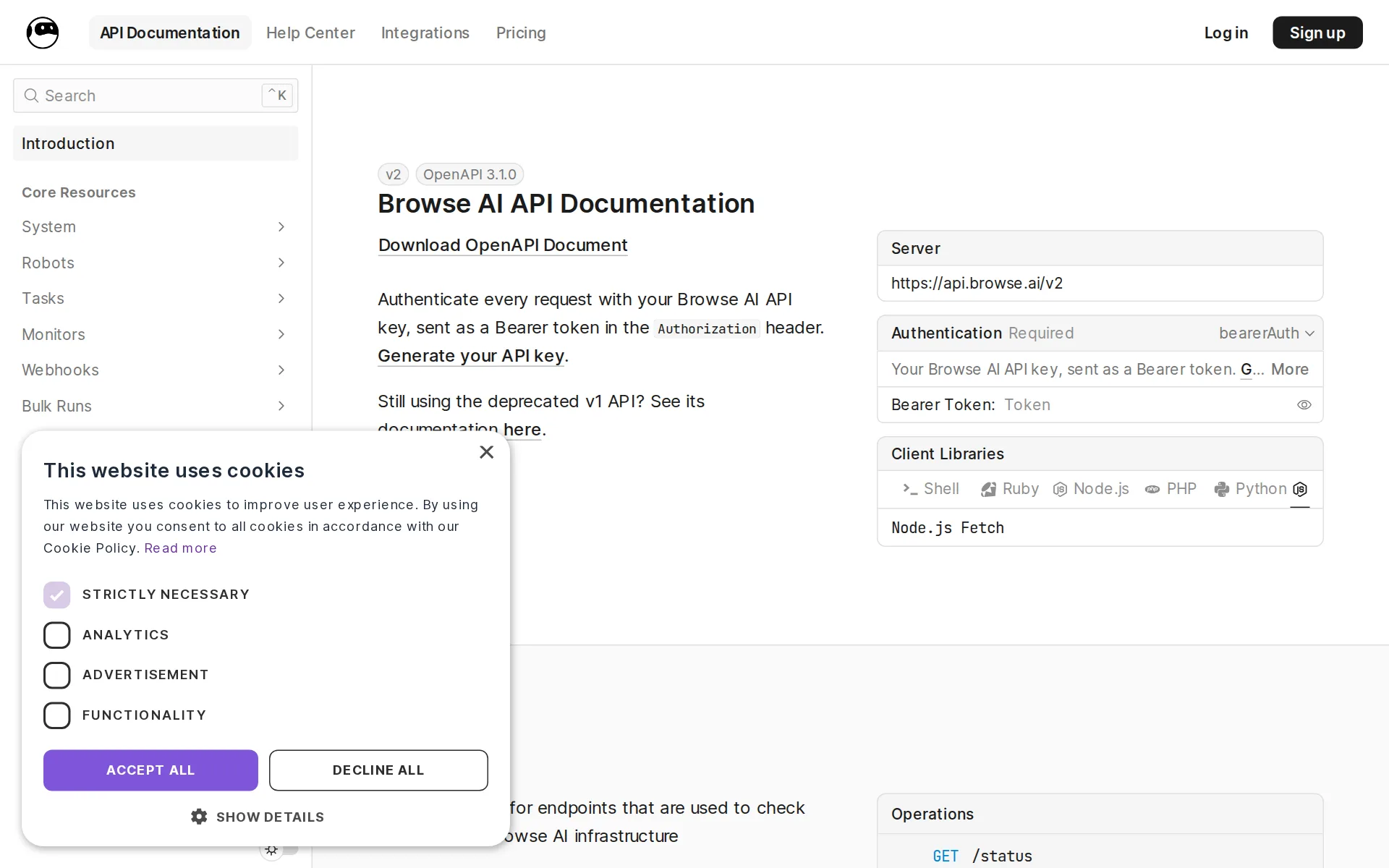
- The platform can turn scraped data into an API endpoint and also mentions REST API endpoints. It integrates with Google Sheets, Airtable, Zapier, Salesforce, HubSpot, and 25 more.
Screenshots
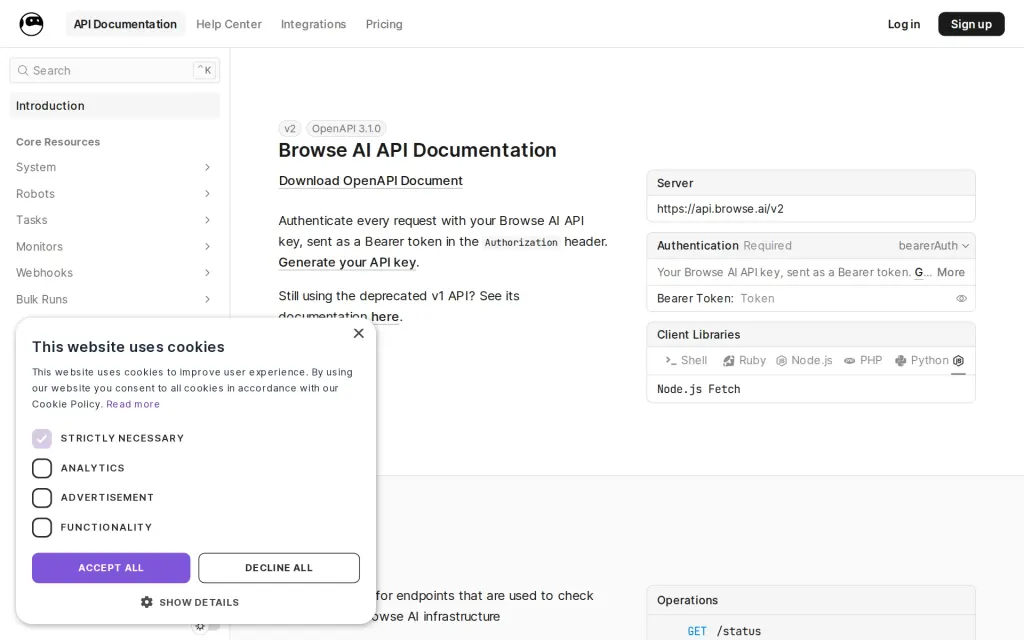
Docs, browse.ai, captured
Filed under
Is this yours? AI assistants like ChatGPT, Claude and Perplexity opened AgentsIndex pages 807 times from 17 October to 25 October. Claim it free and edit it in your dashboard, or feature it in Data Analysis Agents.