
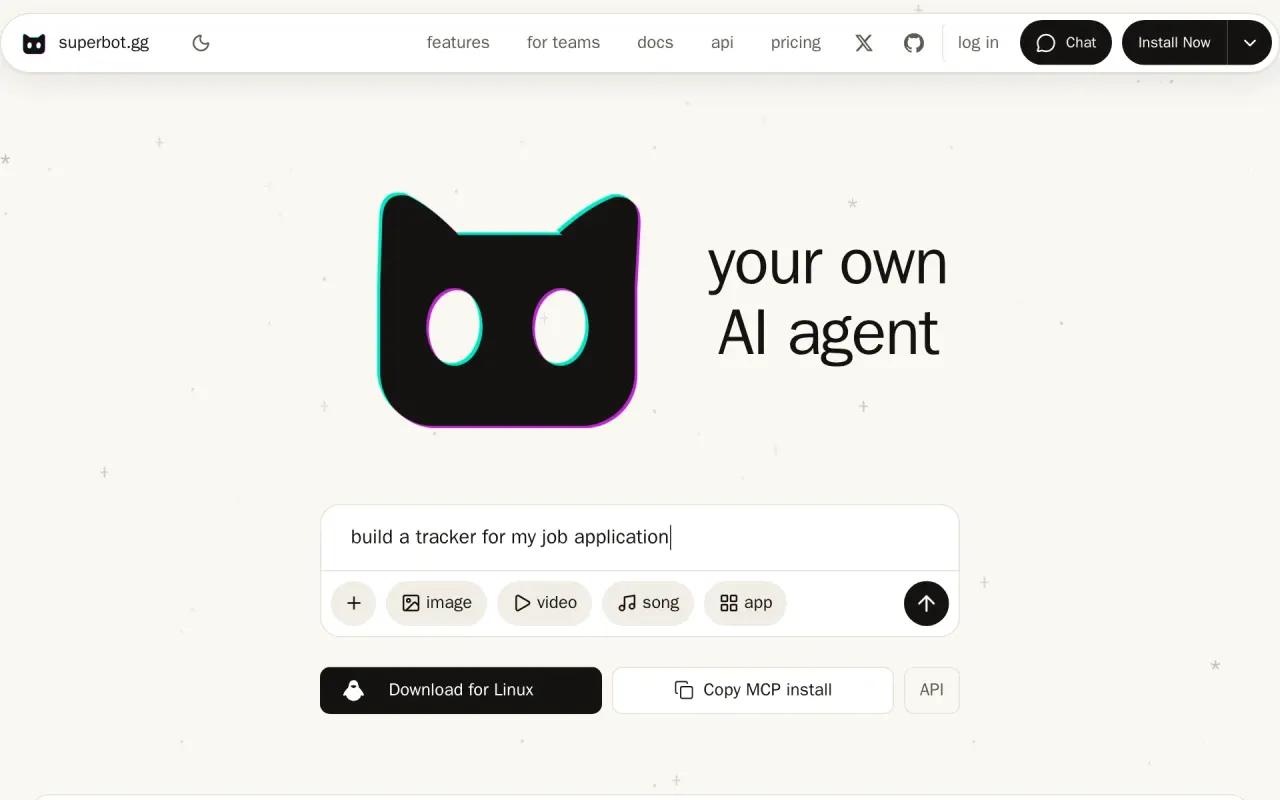
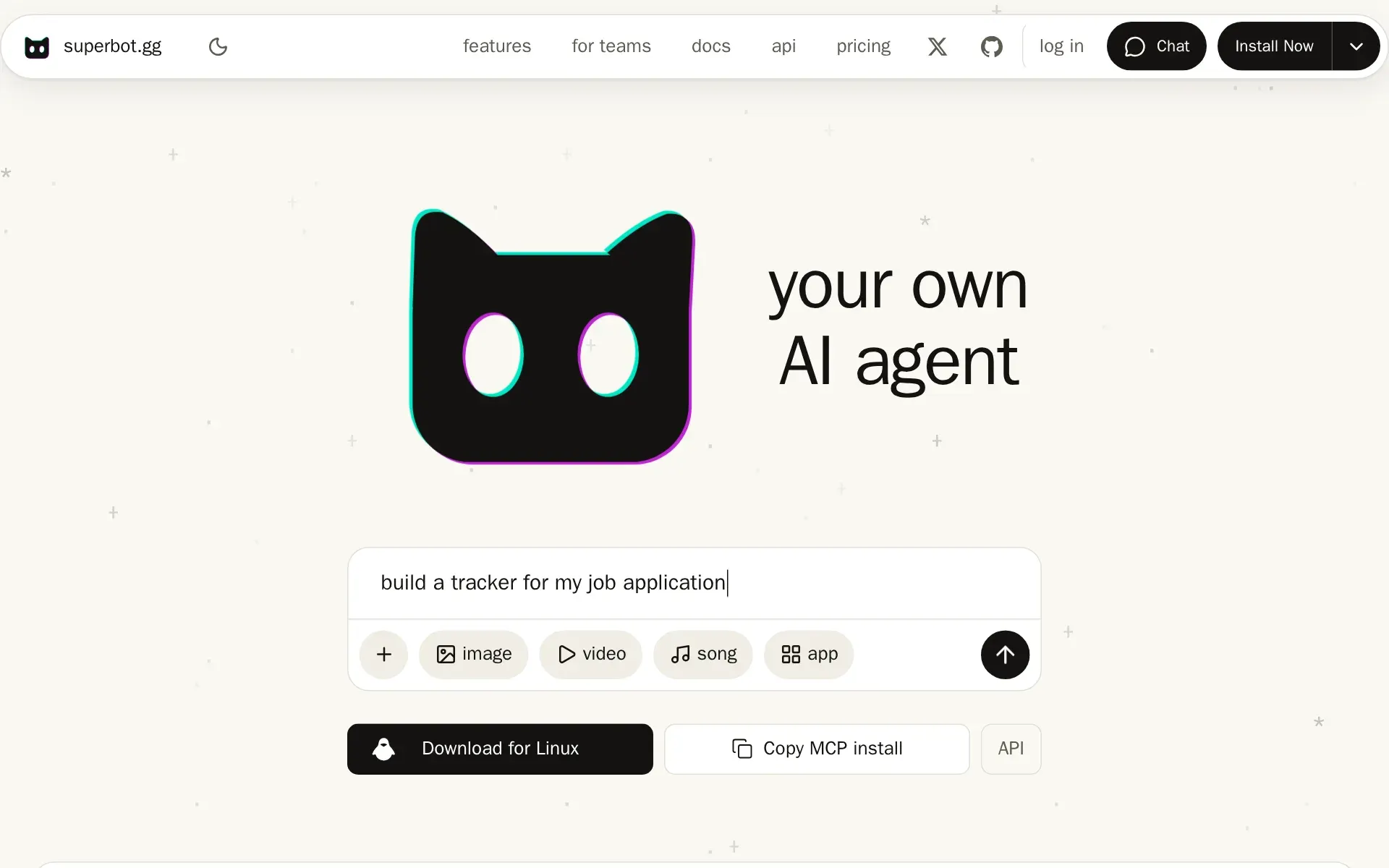
superbot is a personal AI agent that does errands and admin for you: it browses the web, places calls and texts, and operates your computer after asking. Standing instructions run on a schedule from its own servers across every device on your account.
It runs errands and admin, and repeats them on a schedule
The work superbot is sold for is the kind a person does by hand: it orders food, works the sites you are signed into using sessions the Helper reads from your own browsers, reads and crawls pages, fills in forms, builds a spreadsheet, document, deck or PDF from a spec, and calls a business and reports back what they said. Calls and texts go out from your own iPhone number through a paired Mac, every one asks you first, and the same number is dialed at most once in 24 hours.
The repeating half is an automation: "every weekday at 07:00, summarise my inbox", described once in plain words, then listed, paused, changed or deleted the same way. Results arrive by text message or push, and the vendor states that an automation runs on superbot's servers, so your computer does not need to be on. A routine triggered by a GitHub, Linear or Jira event or a webhook is saved as a draft you switch on, and the GitHub case needs the Superbot GitHub App on the repo.
Two features sit beside the schedule. Daemon mode keeps an agent watching on its own while you are away, a parked chat waits for one condition and wakes when it clears, and a Fleet board lists every agent working for you across your devices and in the cloud. One account covers macOS, Windows, Linux, iOS and Android test builds, and superbot.gg/chat opens in a browser with no install and no account at all.
Permission is a prompt, and the agent starts switched off
Computer use has three states, Off, Ask and Always, and it starts at Off. When a task needs your screen the agent asks "Turn on computer use" with a reason, and the choices are Allow in this chat, Always allow or Not now. On a Mac the first grant also asks the operating system for Accessibility and Screen Recording. The home page adds one hard rule: it never types into a password field.
What the Helper reads on the machine is the other side of that. Browser cookies and site storage, saved logins from 1Password, Bitwarden, LastPass, KeePass and the browsers, and SSH keys are read after you allow them, and each read has its own switch under Settings > Privacy. Live view is on by default, while "Require approval on this computer" is off by default, so another device on the account opens view only and takes control after one Allow. Remote MCP is the stricter default: off on each computer, and only the account holder may turn it on. The two shell safety switches, sandboxing agent commands and guarding sudo, are off by default and an agent cannot set either one.
Pricing is a plan allowance sitting on a credit meter
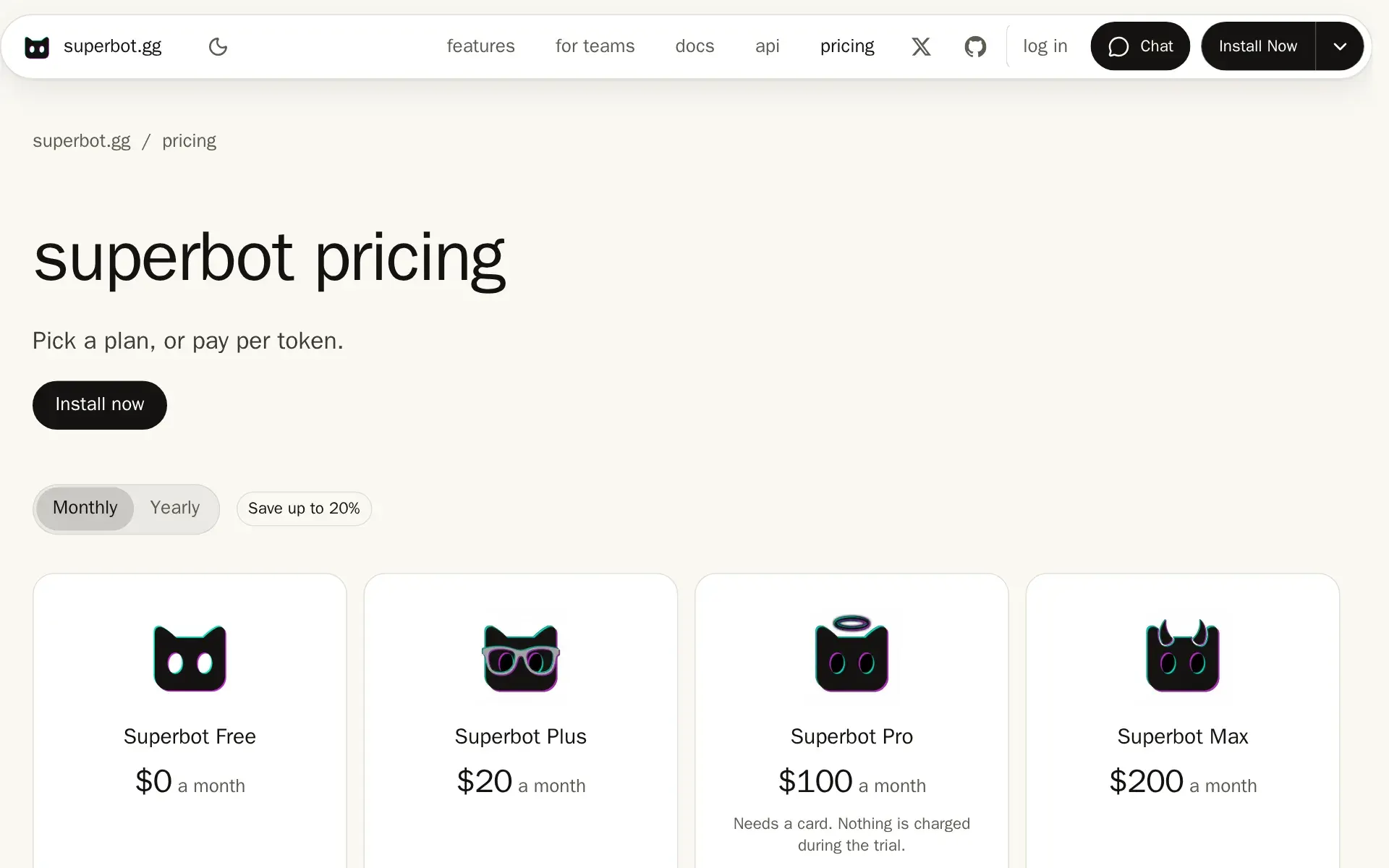
Plans run Free, Plus at $20, Pro at $100, Max at $200 and Teams at $25 a seat, each carrying a monthly credit allowance: 10,000 on Free, 22,000 on Plus, 120,000 on Pro, 270,000 on Max and 30,000 a seat pooled on Teams. Yearly billing takes Plus to $16.67 a month, billed $200, under a control labeled "Save up to 20%". Past the allowance Plus and Teams bill $1.00 per 1,000 credits, Pro $0.90 and Max $0.80, and credit packs from $5 to $1,000 never expire while plan credits reset on the 1st.
Under that sits a per-token rate card for the two house models, with the API and MCP lane priced above the in-app lane and fast mode doubling every rate. Media has its own ceiling: pictures, video, audio and 3D run on superbot's account, cost credits, and each kind has a daily limit, though a sign-in or key of your own is tried first and spends nothing.
Free is the cheapest way to test the schedule, and it is also where the schedule stops: it carries no long runs, no scheduled runs and models "Up to mid tier". The 7-day Pro trial asks for a card, charges nothing, and one account gets one trial. No calculator turns an errand into a credit figure, so the monthly cost of a busy automation is not knowable in advance.
One key in front of the AI subscriptions you already pay for
The second product on the same account is the relay and its gateway. A local Helper plus one endpoint at api.superbot.gg/v1 serves your Claude, ChatGPT, Gemini, Grok, Muse Code, Kimi Code and GLM Coding Plan sign-ins, your provider keys and any OpenAI or Anthropic compatible URL to other tools behind a single caller key, with per-person limits and one log of every call. The commercial point is the exception: "Calls that run on your own API keys spend no superbot credits."
For buyers who never open the app, there are two narrower doors. Any MCP client that connects to superbot.gg/mcp gets one tool, superbot, which takes a job in plain words and does it, and your own MCP servers answer remotely at api.superbot.gg/v1/mcp once you turn the switch on. The gateway allows 1,200 requests a minute per key and publishes an OpenAPI spec, route tables and scopes.
Chat text is kept 180 days whatever you choose
The privacy notice is specific and not uniformly flattering. App chats are never used for training, but product telemetry stores the prompt, reply and any error of each turn for every user for 180 days, and the page states plainly that there is no setting that turns off chat text. Incognito keys and a team's zero data retention are the two real controls.
Separately, during the Model API beta the vendor takes a licence to keep request and reply text for 180 days and train its own models on it, with incognito keys and zero-retention teams excluded. Chat turns, MCP tool calls and requests the agent answers itself sit outside that licence. Export is self-serve at /account and returns chats with full message text, projects, rules, skills, MCP servers and settings. No SOC 2 report, ISO 27001 certificate or DPA is published, and no page offers a choice of storage region.
Where it fits, and who should pass
Two facts on the vendor's own pages change the decision. The relay's Team tab lets you hand keys to other people whose work then runs on your sign-ins and your balance, and with prompt history on, the text of their prompts and replies is kept for 30 days by default; the terms place the duty to tell them on you. And consent for every call or text is the account holder's responsibility, unverified by the vendor, with emergency numbers such as 112, 911 and 999 excluded.
Large parts of the product are labeled beta, including cloud agents, the Model API, org policy for teams and the mobile builds, and the terms allow beta features to change or be withdrawn without notice. The same page says "We do not promise uninterrupted service". There is no SAML or OIDC login, no audit report and no uptime commitment, so a procurement review will stall. Anyone who cannot accept a fixed 180-day retention of prompt text should pass, as should a buyer who wants scheduled runs on the Free plan, which does not allow them.
It suits a person or a small team already holding several AI subscriptions who want chores and standing tasks handled in one place. The vendor also states a name collision itself: SuperBot at superbotapp.ai is an unrelated support chatbot, made by a different company.
Plans and pricing
Price and terms
- Free plan
- YesYes
The terms in full
Superbot Free is $0 a month with 10,000 credits refilled on the 1st, 10 concurrent agents, models up to mid tier, no long or scheduled runs, 5 cloud computer hours a month, pay as you go after. The browser chat at superbot.gg/chat needs no account. A separate 7-day Pro trial exists and needs a card.
- Card to start
- YesNot required
- Sign up without sales
- YesYes
For AI agents
- MCP server
- Yes
- API
- Yes
Checked .
The AgentsIndex digest
Price changes and new tools like superbot, at most once a week.
Last issue: ChatGPT vs Claude: Which One Should You Use? · 13 October 2026
The facts, with their sources
What it costs to start
- Free tier
- YesThe browser chat needs no account at all, and a standing Free plan costs nothing and carries 10,000 credits a month refilled on the first.
Free costs nothing and carries 10,000 beta credits a month, refilled on the 1st (UTC).
superbot.gg/docs - Self-serve signup
- YesYou install the app and buy Plus, Pro or Max at checkout without contact; only Teams and custom builds route to an email address.
Start free, or try Pro free for 7 days. The trial needs a card.
superbot.gg/api - Card to start
- NoTrying it needs neither card nor account in the browser, and the Free plan asks for no payment; only the optional 7-day Pro trial takes a card.
Any account can start a 7-day Superbot Pro trial at checkout, which asks for a card. Nothing is charged during the trial.
superbot.gg/legal/terms - Cancel any time
- YesMonthly plans carry no term and no fee: you cancel in the billing page and keep the period already paid for, with no refund of used time.
Plans renew automatically at the price in effect at renewal until you cancel at /account/billing. Canceling takes effect at the end of the period you…
superbot.gg/legal/terms
What it works with
- Public API
- YesA documented gateway speaks the OpenAI and Anthropic dialects at one base URL, with route tables, scopes, an OpenAPI spec and a 1,200 requests a minute per key limit.
Your subscriptions, API keys and custom endpoints answer at one URL. Call them in the OpenAI or Anthropic format. Mint and manage scoped keys from…
superbot.gg/api - MCP server
- YesA hosted connector at superbot.gg/mcp exposes one superbot tool to any MCP client, and your own MCP servers can be reached remotely through the relay.
Any MCP client that connects to superbot gets one tool
superbot.gg/docs
What it does on its own
- Acts on its own
- YesIt runs standing instructions on a schedule and keeps working while nobody watches, though computer use is gated by a prompt until you grant Always allow.
An automation runs a standing instruction on a schedule you describe once, such as every weekday at 07:00.
superbot.gg/docs - Limits on what it may do
- YesComputer use is off until you allow it per chat or always, and each minted caller key is limited to chosen scopes, models and a spend cap.
When it is Off and a task needs your screen, the agent asks Turn on computer use: <reason>. Choose Allow in this chat, Always allow or Not now.
superbot.gg/docs - No code needed
- YesThe product is a desktop and phone app driven by plain sentences, so a buyer who writes no code can install it and ask for work.
superbot is your own AI agent: one model that makes pictures, video, songs, 3D and apps, browses the web and uses your computer, on desktop and phone.
superbot.gg/faq
What happens to your data
- No training on your data
- PartlyApp chats are never trained on, but during the beta the Model API keeps request and reply text 180 days to train the house models unless the key is incognito or the team has zero data retention.
We keep the text of superbot Model API requests and replies 180 days and use it to improve our own models, unless the key is incognito or the team…
superbot.gg/legal/terms - Retention you control
- PartlyIncognito keys keep turns out of history and teams can hold zero data retention, but product telemetry stores every prompt and reply for 180 days with no switch.
Automatically, for every user. There is no setting that turns off chat text.
superbot.gg/legal/privacy - Self-hosted
- PartlyThe relay, the Helper and the superbot-omni model run on your own computer and published apps deploy to your Cloudflare or Railway, but the account, sync and gateway stay on vendor servers.
To keep your devices in step, we store your chats, projects, rules, skills, MCP servers and settings on our servers, encrypted at rest but readable…
superbot.gg/legal/terms - Take your data out
- YesA self-serve export at /account returns account data, every synced chat with full message text, projects, rules, skills, MCP servers and settings.
Export your data at /account gives you a copy of your account and sign-in data, your synced data (chats with the full text of every message,…
superbot.gg/legal/privacy
Whether a company can buy it
- Audit log
- YesEvery routed call is logged with app, model, account, tokens and status in the relay's activity feed, and a team's audit log is exportable over the API.
GET /v1/org/{id}/audit Export a team's audit log teams:read
superbot.gg/api - Uptime promise
- NoNo uptime commitment exists: the terms disclaim uninterrupted service and label beta features, including cloud agents, as withdrawable at any time.
We do not promise uninterrupted service. Beta features, including cloud agents, are provided as they are and may change or be withdrawn at any time.
superbot.gg/legal/terms
Which models it runs on
- Its own model
- YesTwo house models, superbot and superbot-fast, are served and billed by the vendor, and it licenses beta API text to train them.
you give us a limited, non-exclusive licence to keep that text and use it to evaluate, train and improve superbot's own models
superbot.gg/legal/terms - You pick the model
- YesYou name any model id your connected subscriptions, provider keys or custom endpoints carry, and the call is routed to whoever holds it.
Connect a subscription, a provider API key or a custom endpoint once. Every model it carries answers at this URL. Name the model id and the call goes…
superbot.gg/api
Screenshots
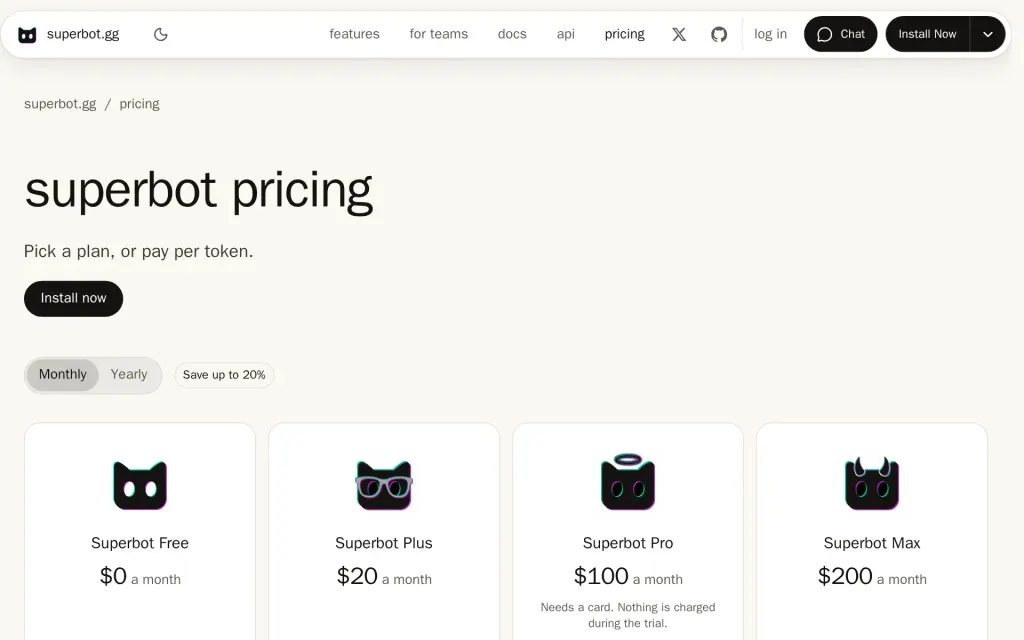
Pricing page, superbot.gg, captured 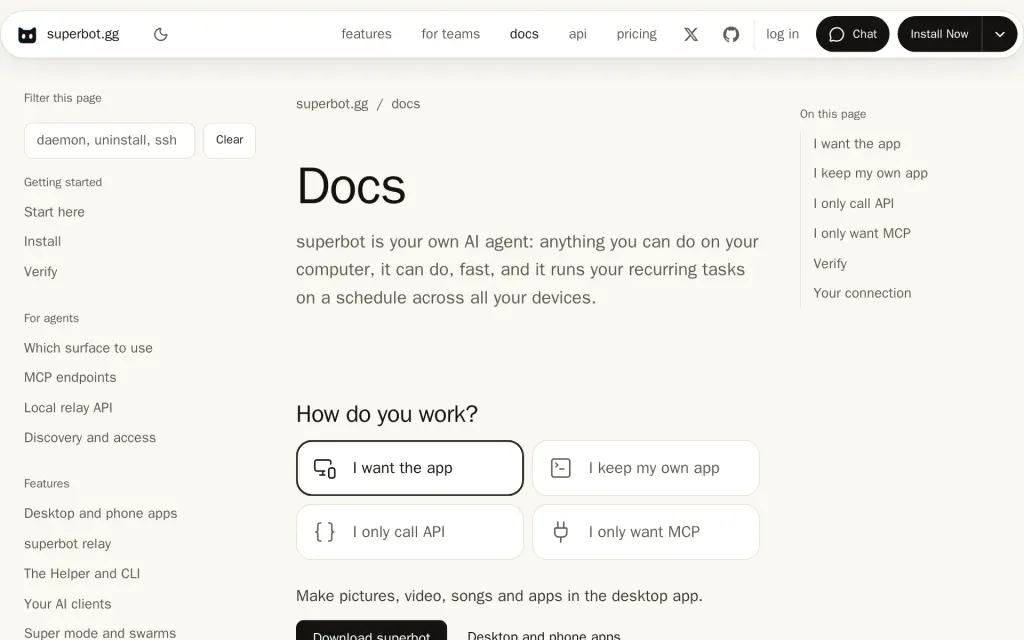
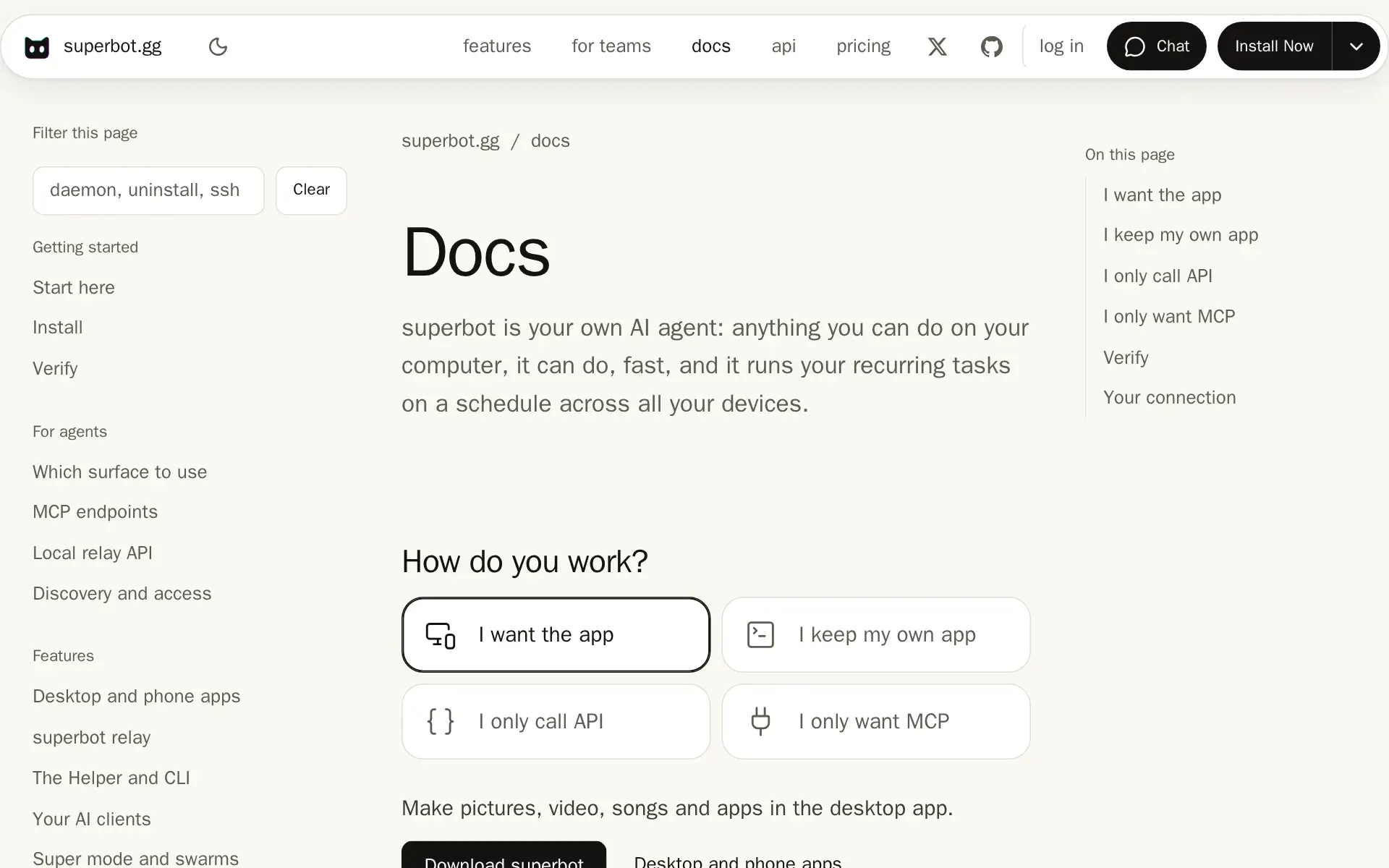
Docs, superbot.gg, captured
Filed under
Sources and updates
Sources on superbot.gg8
Updates2
- Sections · Summary · Tagline · Website
- Free tier · Price · What it does