
GitHub Copilot
What is GitHub Copilot?
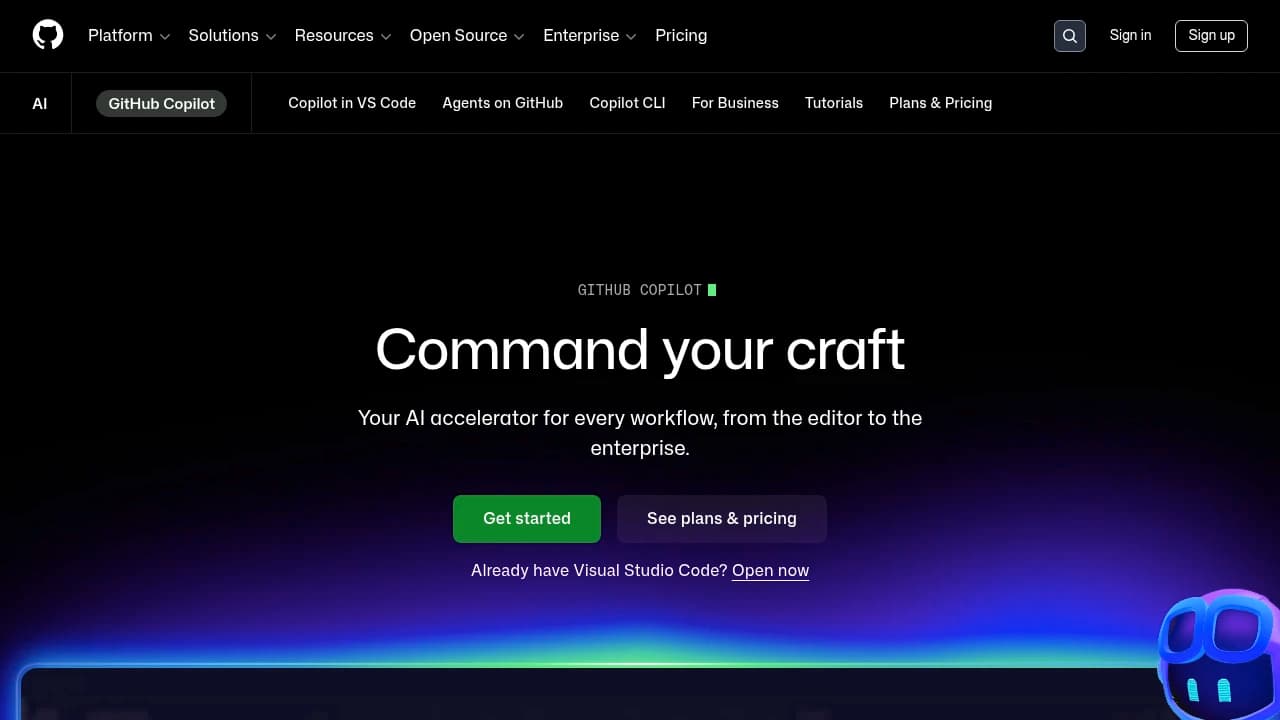
GitHub Copilot is an AI coding assistant for developers and engineering teams that helps write, explain, review, and secure software inside GitHub and popular IDEs. It includes AI code suggestions, chat assistance, code completion, code review, custom agent management, and advanced security features, with integrations across Visual Studio Code, JetBrains IDEs, Slack, Jira, Azure DevOps, and GitHub Actions. GitHub says it serves 83 million developers across 200 million repositories, and customers include Shopify, Duolingo, and Microsoft. Plans run Free, Pro $4/month, Team $21/month, and Enterprise custom.
Last verifiedHow we evaluate
At a glance
- GitHub Copilot is best for software developers who want faster coding help inside their editor and GitHub workflow.
- Free; Pro $4/month; Team $21/month; Enterprise custom
- Yes — GitHub provides a REST API for programmatic access to its features.
What does GitHub Copilot do?
GitHub Copilot is an AI coding assistant for developers and engineering teams that helps write, explain, review, and secure software inside the GitHub ecosystem and popular IDEs. It is aimed at people who want faster coding help without leaving their editor or repository workflow, from individual contributors to enterprise teams. Copilot offers AI code suggestions, inline suggestions, chat assistance, code completion, code review, custom instructions, and multiple language support. It integrates with Visual Studio Code, Visual Studio, JetBrains IDEs, Neovim, Eclipse, GitHub CLI, Slack, Jira, Azure DevOps, and GitHub Actions, and it connects to GitHub workflows such as Issues, Codespaces, Advanced Security, Secret Protection, and Code Security. GitHub says it serves 83 million developers across 200 million repositories, with 94% of developers feeling more productive and 90% spending less time on repetitive tasks. Customers and users include Microsoft, Shopify, and Duolingo. GitHub also provides a REST API for programmatic access.
Why use GitHub Copilot?
- Fits directly into GitHub and popular IDEs, so developers can stay in their normal workflow.
- Combines coding help with chat, review, and security features instead of limiting itself to autocomplete.
- Supports all languages that appear in public repositories, which helps mixed-language teams.
- GitHub-managed access controls let administrators govern Business and Enterprise usage centrally.
- Connects to GitHub Actions, Issues, Codespaces, and security tools for a broader development workflow.
Who is GitHub Copilot for?
- Individual developers who want inline coding help and explanations without leaving their editor.
- Engineering teams who need shared AI assistance across repositories, reviews, and security workflows.
- Platform and DevOps teams who want Copilot connected to GitHub Actions, Issues, and automation.
- Security-focused developers who need vulnerability detection and secret protection while coding.
What are GitHub Copilot's key features?
AI code suggestions
Generates context-aware code from what you are writing, helping developers move faster across supported languages and reduce repetitive typing.
Chat assistance
Lets developers ask questions about code, errors, and commands in real time, which shortens debugging and explanation cycles.
Integrations with leading IDEs
Works with Visual Studio Code, Visual Studio, JetBrains IDEs, Neovim, and Eclipse so teams can keep their existing editor setup.
Custom agent management
Gives administrators control over Copilot usage and features for Business and Enterprise seats through GitHub-managed settings.
Advanced security features
Pairs Copilot with GitHub Advanced Security, Secret Protection, and Code Security to identify vulnerabilities and reduce secret leaks.
Code completion
Fills in functions, statements, and repetitive patterns as you type, which helps maintain momentum during implementation.
Code review
Supports review workflows in GitHub so teams can inspect changes and catch issues before merging.
Multiple language support
Supports all languages that appear in public repositories, making it useful for polyglot codebases and mixed-stack teams.
What are GitHub Copilot's use cases?
Editor coding assistance
An individual developer uses GitHub Copilot in Visual Studio Code or JetBrains IDEs to draft functions, finish boilerplate, and ask chat questions about errors. Inline suggestions and code completion help them move from idea to working code faster.
Team review workflow
An engineering team uses GitHub Copilot with code review and custom instructions to standardize feedback on pull requests. The team can catch issues earlier, reduce repetitive review work, and keep implementation aligned across repositories.
Security-first development
A security-focused developer uses GitHub Copilot alongside Advanced Security, Secret Protection, and Code Security to spot risky code while building. Real-time vulnerability detection helps reduce exposure before changes reach production.
How does GitHub Copilot work?
- Install the GitHub Copilot extension in your preferred IDE, such as Visual Studio Code, JetBrains IDEs, or Neovim, so suggestions appear where you already write code.
- Start coding in your repository and accept inline suggestions or code completion as Copilot predicts the next lines from your current context.
- Open chat assistance when you need explanations, debugging help, or coding commands, and use custom instructions to shape responses for your project.
- Connect Copilot to GitHub workflows like Issues, Actions, and Codespaces so code changes, automation, and task tracking stay in one place.
- Review suggested snippets, then tune Copilot settings and security features to match your team's standards and keep improving output over time.
How much does GitHub Copilot cost?
| Plan | Price | What's included |
|---|---|---|
| Free | Free |
|
| Pro | $4/month |
|
| Team | $21/month |
|
| Enterprise | Custom |
|
Frequently asked questions
What is GitHub Copilot?
GitHub Copilot is an AI coding assistant that provides contextual help across the software development lifecycle. It helps developers write code, ask questions, review changes, and work faster inside GitHub and supported IDEs.
Who can use Copilot for free?
Individual developers who are not assigned a Copilot Business or Enterprise seat are eligible for the free plan.
Which IDEs and languages does Copilot support?
Copilot supports all languages that appear in public repositories and integrates with popular IDEs such as Visual Studio Code and JetBrains. GitHub also lists support for Visual Studio, Neovim, and Eclipse.
Can my company control Copilot access?
Yes. Copilot Business and Enterprise access is managed by your GitHub Administrator, who can control usage and features for the organization.
Does Copilot just copy and paste code?
No. GitHub says Copilot generates suggestions using probabilistic determination based on the context of your code, rather than copying and pasting from a single source.
How do I upgrade from Copilot Free to Pro?
You can upgrade through your GitHub Copilot settings page. GitHub publishes Free, Pro, Team, and Enterprise plans on its pricing page.
Does GitHub have an API?
Yes. GitHub provides a REST API for programmatic access to its features, which is useful for automation and integrations.
How does GitHub help with security?
GitHub includes advanced security features to identify and fix vulnerabilities. The platform also shows Secret Protection, Code Security, and real-time vulnerability detection.
What support options are available?
GitHub offers community support on the Free plan, advanced review tools on Pro, collaboration tools on Team, and 24/7 support on Enterprise.

Explore other Coding Agents


