
AI Text Cleaner
What is AI Text Cleaner?
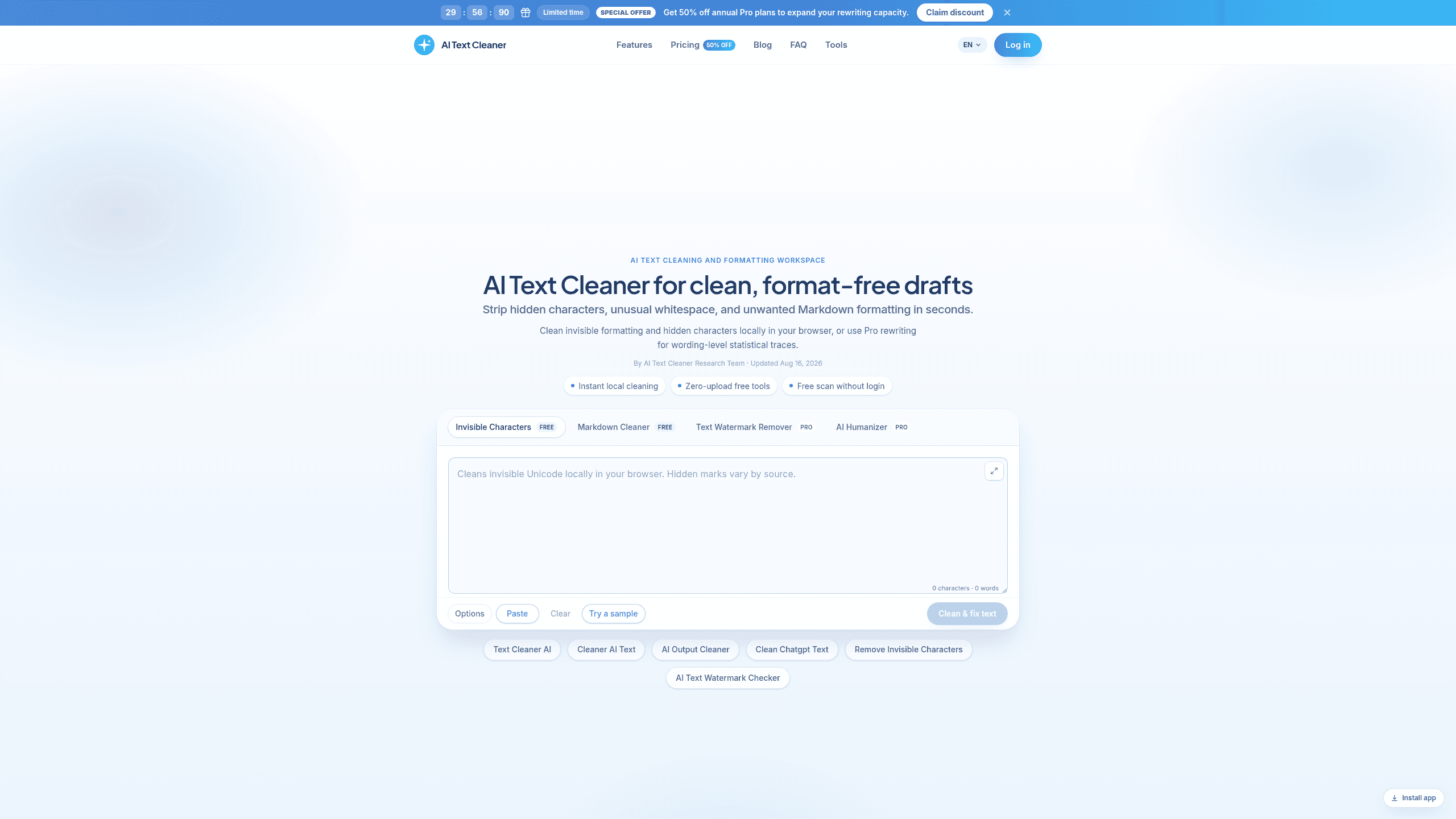
AI Text Cleaner is a browser-based text cleanup tool for editors and content teams that scans pasted drafts for hidden Unicode, odd whitespace, and Markdown clutter before publishing. It includes Instant local cleaning, Invisible character cleaner, Markdown stripper, and AI Text Watermark Checker, with Text Cleaner AI integrations for Webflow and WordPress. Plans run Starter $35.94/year, Professional $59.94/year, and Advanced $119.94/year.
Last verifiedHow we evaluate
At a glance
- AI Text Cleaner is best for editors and content teams who need to remove hidden formatting before publishing.
- Starter $35.94/year; Professional $59.94/year; Advanced $119.94/year
What does AI Text Cleaner do?
AI Text Cleaner handles draft hygiene by scanning pasted text in your browser, flagging hidden Unicode, odd whitespace, and Markdown clutter before you publish. The free tools remove invisible characters and strip formatting locally, while Pro rewriting steps in when wording-level traces need a fuller reconstruction. That split lets you clean raw exports from ChatGPT, Claude, Gemini, docs, CMS drafts, or email copy without changing your workflow. The product is built around fast, client-side cleanup: the scanner can identify 60+ hidden Unicode codepoints, and the Pro workflow uses credit-based rewriting for deeper sentence changes. It supports clean handoff into publishing systems like Webflow and WordPress, and the site positions it for editors, agencies, and documentation workflows. The vendor also cites official Unicode guidance and AI watermarking research, including Anthropic's Claude watermark notes, to explain why some drafts need more than a character delete.
Why use AI Text Cleaner?
- Free cleanup runs entirely in the browser, so teams can sanitize drafts without uploading text during basic scans.
- The scanner identifies 60+ hidden Unicode codepoints, which helps catch residue that breaks layout or string handling.
- Pro rewriting covers wording-level traces, so buyers can handle cases where simple character removal is not enough.
- The workflow separates free hygiene from deeper reconstruction, making it easier to reserve credits for drafts that need them.
- The tool is designed to paste cleanly into CMS editors, email tools, and publishing systems without extra formatting cleanup.
Who is AI Text Cleaner for?
- Content editors who need clean drafts before human review or publication.
- SEO and content marketing teams who want pasted copy to preserve metadata and schema formatting.
- Agencies and content studios who need local cleanup before client delivery.
- Documentation and engineering teams who standardize exported text for knowledge bases and internal docs.
What are AI Text Cleaner's key features?
Instant local cleaning
Cleans text in the browser with no upload, so drafts can be formatted or de-watermarked quickly without sending content to a server.
Zero-upload free tools
Runs free cleanup tools locally, letting users strip formatting and hidden characters without uploading sensitive text or creating an account.
Invisible character cleaner
Detects and removes hidden Unicode, including 60+ codepoints and zero-width characters, which helps fix copy-paste issues and broken formatting.
Markdown stripper
Removes Markdown tags and AI formatting from pasted text, making it easier to repurpose ChatGPT, Claude, or Gemini output for publishing.
Text watermark remover
Targets AI text watermarks and traces in output from ChatGPT and Claude, helping teams clean drafts before client delivery or publication.
AI Humanizer
Rewrites AI-generated text into more natural prose, with dedicated humanizer modes for ChatGPT and academic paraphrasing workflows.
AI Text Watermark Checker
Scans text for AI watermarks before editing, so users can verify whether ChatGPT, Claude, or Gemini output still contains detectable traces.
Text Cleaner AI
Provides a browser-based workspace for cleaning AI text, with integrations for Webflow and WordPress to move polished copy into publishing workflows.
What does AI Text Cleaner integrate with?
- Webflow
- WordPress
What are AI Text Cleaner's use cases?
Editors clean drafts for review
Content editors use AI Text Cleaner to prepare pasted drafts before human review, using Instant local cleaning to remove clutter without sending sensitive copy elsewhere. They can also run Invisible character cleaner and Markdown stripper to catch formatting artifacts that would distract reviewers or break publication.
SEO teams preserve structured copy
SEO and content marketing teams use AI Text Cleaner to sanitize AI-generated copy before publishing, using Zero-upload free tools to work quickly on pasted text. They rely on AI Text Watermark Checker and Text watermark remover to reduce traces that can interfere with metadata, schema, or clean handoff to CMS workflows.
Agencies deliver client-ready text
Agencies and content studios use AI Text Cleaner to polish deliverables before client delivery, using AI Humanizer to make drafts read naturally and Text Cleaner AI to standardize output across writers. This helps them send cleaner copy with fewer revision rounds and less formatting cleanup.
Docs teams standardize exported text
Documentation and engineering teams use AI Text Cleaner to normalize exported text for knowledge bases and internal docs, using Markdown stripper to remove unwanted markup and Invisible character cleaner to eliminate hidden formatting issues. The result is cleaner documentation that is easier to search, paste, and maintain.
How does AI Text Cleaner work?
- Paste your draft into the main cleaner and choose the tool that fits the job, such as Invisible character cleaner, Markdown stripper, or AI Humanizer, depending on what needs fixing first.
- Run the scan to catch hidden Unicode, formatting noise, or AI traces, then review the cleaned output in the same workspace before copying it onward.
- Use AI Text Watermark Checker or Text watermark remover when you need to reduce watermark patterns in pasted AI text, especially before editorial review or client delivery.
- Apply Zero-upload free tools for quick one-off cleanup, or switch to the Pro workflow when you need higher word limits for repeated publishing and batch processing.
- Copy the final text into Webflow, WordPress, ChatGPT, Claude, or Gemini, keeping the cleaned version consistent across publishing, documentation, and content workflows.
How much does AI Text Cleaner cost?
| Plan | Price | What's included |
|---|---|---|
| Starter | $35.94/year |
|
| Professional | $59.94/year |
|
| Advanced | $119.94/year |
|
Frequently asked questions
What is AI Text Cleaner?
AI Text Cleaner is a browser-based text cleanup tool for editors and content teams that scans pasted drafts for hidden Unicode, odd whitespace, and Markdown clutter before publishing. It includes Instant local cleaning, Invisible character cleaner, Markdown stripper, and AI Text Watermark Checker, with Text Cleaner AI integrations for Webflow and WordPress. Plans run Starter $35.94/year, Professional $59.94/year, and Advanced $119.94/year.
How much does AI Text Cleaner cost? Is it free?
AI Text Cleaner has 3 paid plans: Starter at $35.94/year, Professional at $59.94/year, Advanced at $119.94/year.
What is AI Text Cleaner used for? Who is it for?
AI Text Cleaner is used for Instant local cleaning, Zero-upload free tools, and Invisible character cleaner. It's built for Content editors, SEO and content marketing teams, and Agencies and content studios.
Does AI Text Cleaner have an API and what does it integrate with?
It integrates with Webflow, WordPress.
Editor's read
Check whether the Pro word allowance matches your monthly rewrite volume: Starter covers about 20,000 Pro words, Professional about 42,000, and Advanced about 100,000. If you expect frequent watermark removal or humanizing, the jump in credits is the main cost trigger.

Explore other Writing Agents


