
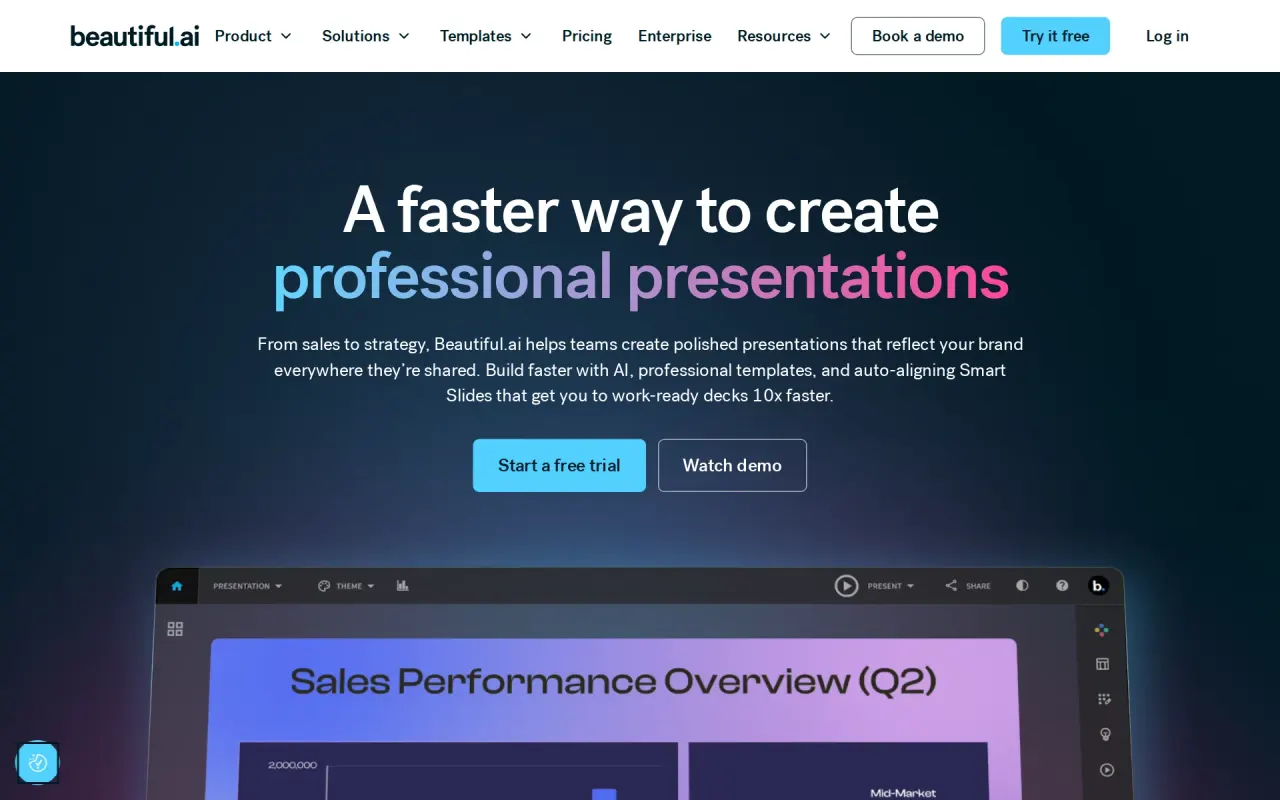
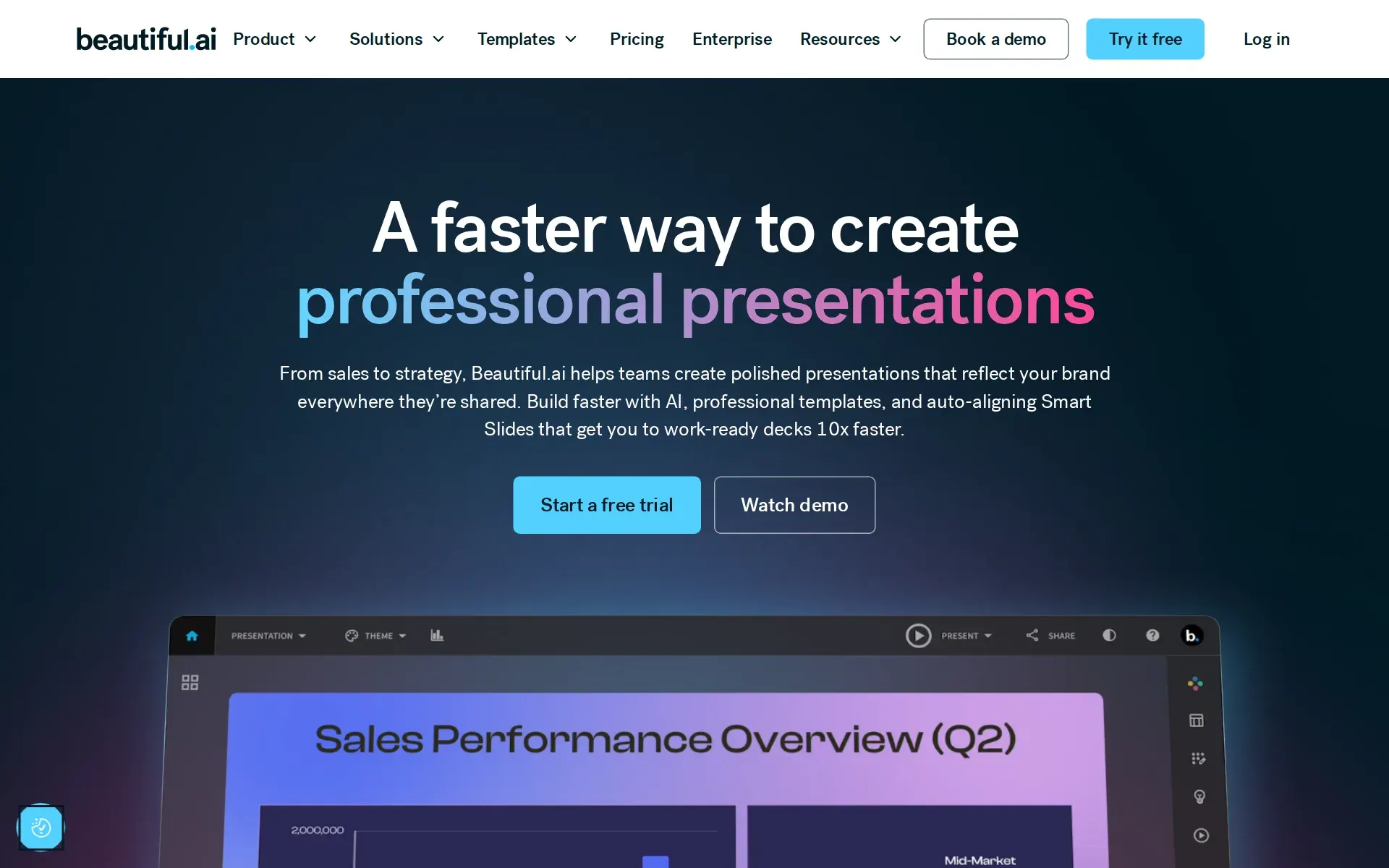
Beautiful.ai adds team workspaces, brand themes, viewer analytics, and PowerPoint import and export.
At a glance
Pricing
- Plans
- Pro · $14.50/mo billed annually
- Teams · $40/user/mo billed annually ($50/user/mo monthly)
- Enterprise · Custom
- SMB · SMB 50 $6,000/yr; SMB 100 $12,000/yr
- Ad hoc project · $45
- Categories
- Design AgentsAI Apps & Utilities
- Tags
- Freemium, Free Trial, GDPR, SOC 2
For developers
- Works with
- Dropbox, ChatGPT, Slack, Monday.com, Salesforce, Webex and 4 more
What Beautiful.ai actually does
Beautiful.ai sells slide design as a constraint rather than a canvas. The product's own description is presentation software for professionals who need high-quality slides, fast, and the mechanism is Smart Slides: layouts that re-flow as content is added instead of leaving a user to align boxes. The vendor's FAQ draws the line itself, describing Smart Slides as templates that intelligently adapt to your content as you work and Classic Slides as the blank alternative "without our design guardrails".
On top of that sit the AI features every paid plan includes: content generation from a prompt, an image generator, a writing assistant and translation into more than 100 languages. Decks can be imported from PowerPoint and exported back out as editable PowerPoint or PDF, which matters because it is the only documented way data leaves the platform.
The second half of the product is distribution rather than creation. Shared slide and template libraries, locked slides, version control, live links from charts to a source sheet, and viewer analytics with engagement alerts all arrive with the Team plan. Nine asset and data connectors are listed on the integrations page, among them Google Drive, Dropbox, Box, OneDrive, Bynder, Frontify, Airtable and Smartsheet.
Pricing leans on annual billing, monthly costs $45
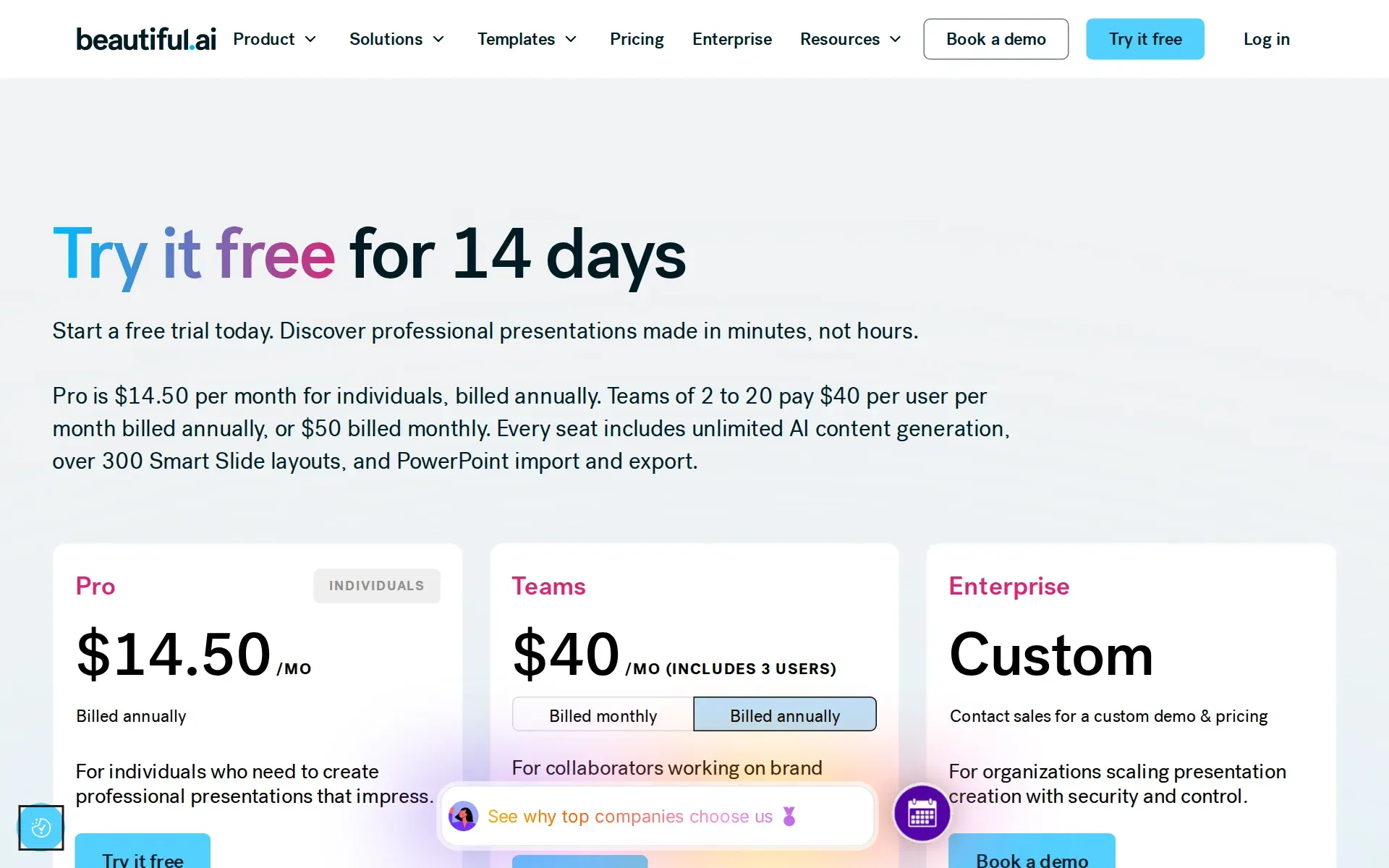
The headline figure on the plan card is $14.50 per month for Pro, and it is only available billed annually. The month-to-month route is a separate card lower down the same page offering Everything in Pro plan (billed monthly) $45 for ad hoc projects. A buyer who will not commit a year pays roughly three times the advertised rate, which is the widest annual gap in this category.
Team is $40 per user per month billed annually or $50 billed monthly, for 2 to 20 seats, and the vendor states both figures in plain text in its own FAQ rather than hiding one behind a control. The Team card also advertises "Fixed pricing for up to three users", so the per-seat rate and the flat rate are two descriptions of the same plan. Enterprise is "Custom", reachable only through a demo request, and an SMB plan with flat rates is mentioned but carries no figure.
There is no free plan. The way in is a 14-day trial that requires a credit card to get started and bills in full on expiry. Refunds are narrow: annual subscriptions qualify for a partial refund only within 24 hours of purchase or renewal, monthly subscriptions are non-refundable, and all refunds carry a processing fee. Cancelling is self-service in the billing section of the profile and access runs to the end of the cycle.
Who runs it, and how long it has been going
The operating company is Beautiful Slides, Inc., at 1556 Sanchez St, San Francisco, named in the privacy policy. The founder is Mitch Grasso, who the about page says previously founded and ran SlideRocket before its acquisition by VMware in April 2011. That is a second attempt at the same problem by the same person, which explains why the product is opinionated about design rather than feature-led.
The scale claims do not agree with each other. The about page states 3 million users and "50k+ COMPANIES", the integrations page says "Trusted by more than 50,000 teams", and the product page says "Trusted by professionals at over 100,000 companies". Three pages of the same site, three numbers.
The privacy policy was last revised in June 2023 and the AI terms page in August 2025, so the AI disclosures are current while the core privacy text is older. The AI terms page also still carries four marketing promotions whose offers expired in December 2022.
Security is documented in detail, residency is not
The security page is unusually specific for a product at this price. SOC 2 Type II, GDPR, CCPA and PCI are claimed, certificates are offered through a Conveyor trust profile, and the page names AES-256 at rest, TLS 1.2 and 1.3 in transit, annual third-party penetration testing, cyber insurance, a sub-processor list and a DPA.
The AI handling is spelled out rather than implied. Generative features run on business-tier APIs whose terms state that data processed by our AI models will not be used to train public LLM models, with a stated 30-day maximum retention for abuse monitoring. Content added directly in the editor, such as uploads and pasted text, is described as not passing to the generative backends at all, and the integrations can be disabled for a company account on request.
Two gaps are worth naming. All data is processed and stored on servers located in the United States of America, with no region option, which is a problem for buyers under an EU-only residency rule. And no uptime commitment is published anywhere: there is a continuity and disaster recovery plan, but no percentage and no service credit. Admin controls that an IT reviewer would expect by default, SAML SSO, SCIM, audit logs and advanced permissions, are Enterprise only.
The Claude connector is the only programmatic route
Beautiful.ai publishes a verified Claude connector that lets an assistant draft a deck in conversation, search an existing account and hand the draft back for editing. It is listed in Anthropic's connector directory, and a custom GPT covers the same ground on the ChatGPT side. For a design tool this is the shortest path from a research conversation to a formatted deck.
What does not exist is anything a developer can build on. No API reference, no developer portal, no authentication documentation, and no such route in the sitemap. Event delivery is limited to the packaged Slack integration, which posts presentation activity into a channel rather than calling your systems. A buyer who wants deck generation inside their own pipeline has the assistant connectors or nothing.
Where it fits, and where it does not
It fits a team that ships client-facing decks every week and loses hours to formatting them. The combination of adaptive layouts, a locked brand theme, a shared slide library and viewer analytics addresses that job directly, and the vendor's own comparison argues the case on exactly those grounds against Microsoft 365 and Canva.
It does not fit three buyers. Anyone needing programmatic deck generation has no API. Anyone under a data residency requirement outside the United States has no option. And anyone wanting a free tier to evaluate with will find a card-required trial instead. A fourth group should look closely at the seat ceiling: Team stops at 20 users, so growing past that means Enterprise, a sales call and an unpublished price.
Plans and pricing
Price and terms
- Free trial
- Yes14 days
- Card to start
- NoRequired
- Sign up without sales
- PartlySome plans
What needs a higher plan
- Enterprise
- Limits on what it may do, Single sign-on, Audit log
For AI agents
- MCP server
- Yes
From beautiful.ai/pricing, checked .
The AgentsIndex digest
Price changes and new tools like Beautiful.ai, at most once a week.
Last issue: ChatGPT vs Claude: Which One Should You Use? · 13 October 2026
The facts, with their sources
What it costs to start
- Free tier
- NoThere is no standing free plan; the only unpaid route is a 14-day trial that requires a card and bills automatically when it ends.
A free trial requires a credit card to get started, which will be charged in full if you don’t cancel your trial before the trial period ends.
beautiful.ai/pricing - Self-serve signup
- PartlyPro and Team start from the sign-up flow with no sales contact, but Enterprise pricing and features are only reachable through a demo request.
Contact sales for a custom demo & pricing
beautiful.ai/pricing - Card to start
- YesThe trial cannot start without card details, and the card is charged in full at day 14 unless you cancel first.
A credit card is required for the 14-day Pro trial.
beautiful.ai/pricing - Cancel any time
- PartlyYou can cancel yourself in the billing settings and keep access until the cycle ends, but annual plans are refundable only within 24 hours and refunds carry a fee.
Annual subscriptions may be eligible for a partial refund if a request is submitted within 24 hours of the initial purchase or renewal.
beautiful.ai/pricing
What it works with
- MCP server
- YesA verified Claude connector lets an assistant create decks and search the account, published in Anthropic's own connector directory.
Beautiful.ai now works with Claude
beautiful.ai/integrations/claude
What it does on its own
- Acts on its own
- PartlyAI drafts a whole deck from a prompt or a Claude conversation, but a person then edits, approves and presents it; nothing ships without a human in the editor.
Create presentations with Claude using natural language, search your Beautiful.ai account, and move your draft into Beautiful.ai for editing and…
beautiful.ai/integrations/claude - Limits on what it may do
- PartlyBrand guardrails that constrain what the design engine and editors may produce are listed only on Enterprise; Team gets view and edit controls instead.
Configurable brand guardrails
beautiful.ai/pricing - No code needed
- YesEverything happens in a visual editor where templates adapt to content as you type; no scripting or configuration file is involved anywhere.
Smart Slides are templates that intelligently adapt to your content as you work.
beautiful.ai/pricing
What happens to your data
- No training on your data
- YesBusiness-tier provider APIs are contractually barred from training on customer content, with a 30-day abuse-monitoring retention ceiling stated alongside.
Data processed by our AI models will not be used to train public LLM models.
beautiful.ai/security - Retention you control
- PartlyDeletion on request is honored and AI integrations can be switched off per account, but no plan exposes a retention period you set yourself.
Generative AI integrations can be disabled for your company’s account upon request.
beautiful.ai/security - Data stays in your region
- NoAll processing and storage happens on United States servers, and the privacy policy requires consent to that transfer rather than offering a region choice.
We process and store information on servers located in the United States of America.
beautiful.ai/privacy-policy - Self-hosted
- NoThe platform is operated as a hosted service on the vendor's own cloud hosting; no self-managed or on-premise deployment appears on any plan.
For example, we use Google Cloud Hosting to host our Site and Services.
beautiful.ai/privacy-policy - Take your data out
- YesEvery plan including Pro can export decks as editable PowerPoint files and as PDF, so finished work leaves in formats other tools open.
Editable PowerPoint export
beautiful.ai/pricing
Whether a company can buy it
- Security audits
- YesSOC 2 Type II is held and renewed annually alongside GDPR, CCPA and PCI, with certificates offered through a trust portal and annual penetration tests.
We hold SOC 2 Type II, GDPR, CCPA, and PCI certifications, support SAML SSO 2.0 and SCIM provisioning, and give Enterprise admins audit logs and…
beautiful.ai/security - Single sign-on
- PartlySAML SSO and SCIM provisioning sit in the Enterprise column of the plan comparison only; Pro and Team have no identity provider sign-in.
Secure single sign-on (SSO)
beautiful.ai/pricing - Audit log
- PartlyAudit and change logs are an Enterprise line item in both the plan card and the admin row of the comparison table, with nothing for Pro or Team.
Audit & change-logs
beautiful.ai/pricing
Which models it runs on
- Its own model
- NoThe vendor trains no model of its own; its AI terms page names OpenAI, Anthropic and Google Cloud as the providers behind every AI feature.
Beautiful.ai partners with trusted third-party providers to power certain AI features in our platform.
beautiful.ai/terms-of-service-ai - You pick the model
- NoThe vendor assigns each feature to a provider itself and publishes the mapping; no plan offers a model picker or a provider setting to the buyer.
We are committed to transparency and want you to know which providers are involved and where to find their terms and policies.
beautiful.ai/terms-of-service-ai
Screenshots
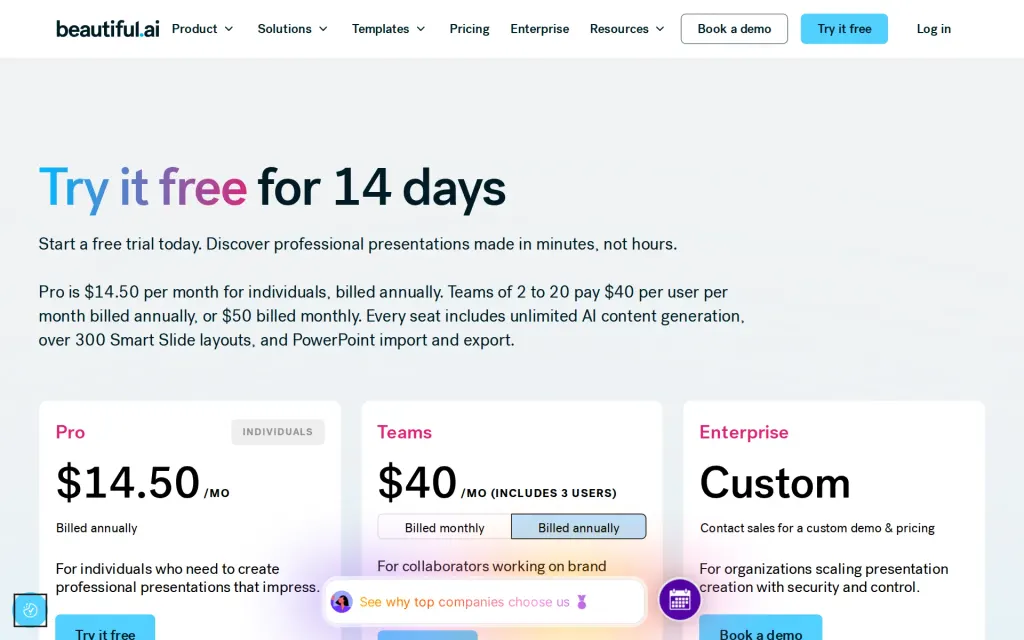
Pricing page, beautiful.ai, captured
Filed under
Sources and updates
Last changed
Sources on beautiful.ai5
Updates1
- Free tier · Price · What it does
Is this yours? Claim it free and edit it in your dashboard, or feature it in Design Agents.