
Windsurf
What is Windsurf?
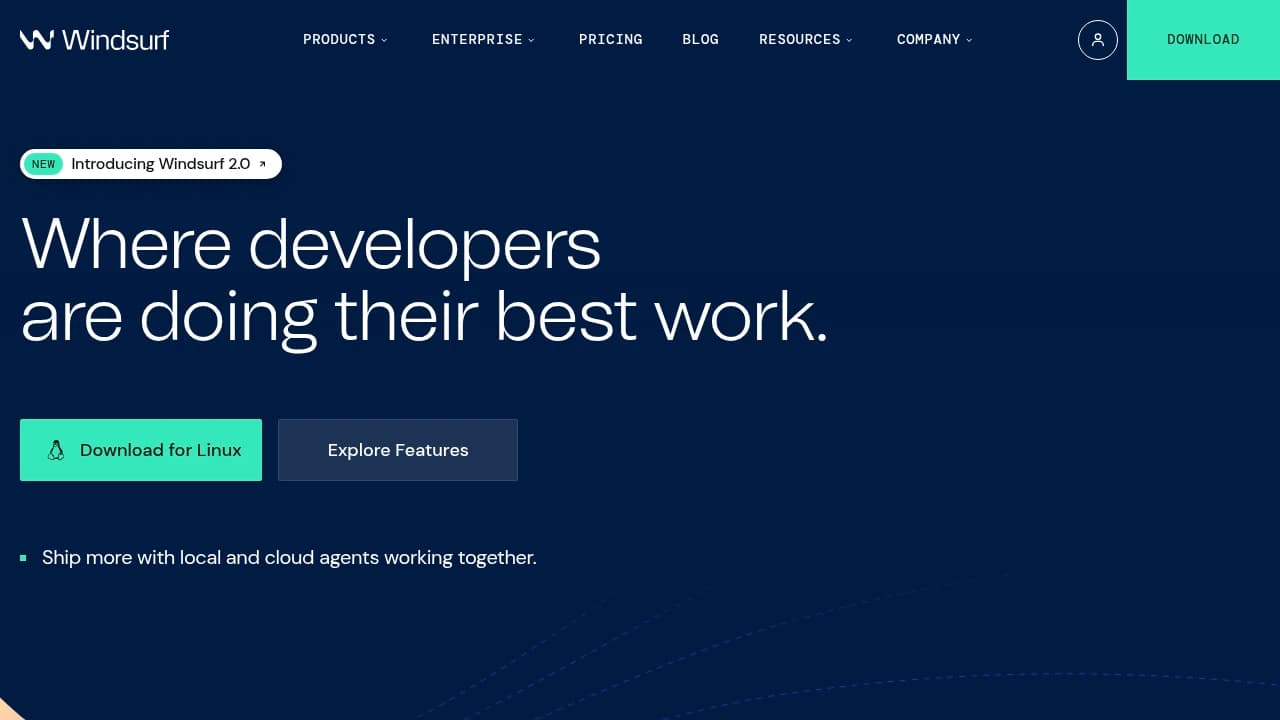
Windsurf is an AI-powered coding platform and agentic IDE for developers and software teams that want to ship faster with AI assistance across local and cloud workflows. It centers on Cascade, Devin, Tab Features, Agent Command Center, MCP Support, Spaces, Lint Fixing, and Drag & Drop Images. Windsurf connects with Slack, Stripe, GitHub, PostgresSQL, and Playwright, and counts JPMorgan Chase, Mercado Libre, athenahealth, and Anduril among its customers. Plans run Free $0, Pro $20/month, Max $200/month, Teams $40/month, and Enterprise custom.
Last verifiedHow we evaluate
At a glance
- Windsurf is best for developers and engineering teams who want AI agents to handle coding, debugging, and deployment.
- Free $0; Pro $20/mo; Max $200/mo; Teams $40/user/mo; Enterprise custom
- 14 days
- Yes — Windsurf offers a reliable API for integrating its features into other applications.
Windsurf isn't Windsurf anymore
As of today (2026-08-21), windsurf.com/, windsurf.com/pricing and windsurf.com/editor all return HTTP 308 permanent redirects to devin.ai/desktop and devin.ai/pricing — verified directly against the live server. This matches Cognition's own blog post, published 2026-06-02 and authored by Cognition, titled "Windsurf is now Devin Desktop": the rename shipped as an automatic over-the-air update, with existing users' plan, pricing, extensions and settings carried over unchanged, and new users directed to download "Devin Desktop" rather than anything called Windsurf. The one holdout is the JetBrains plugin, which Cognition's own FAQ says "will continue to work as expected (and will keep its name)." So the Windsurf name survives in exactly one place today: the JetBrains integration.
How it got here: a three-way breakup in 2025
Windsurf was itself a rename: the company started in 2021 as Exafunction (GPU inference infrastructure), pivoted to the Codeium AI coding assistant, then rebranded the product to Windsurf in early 2025. What followed was an unusual acquisition sequence. Bloomberg reported OpenAI agreed to buy Windsurf for roughly $3 billion in May 2025; that deal reportedly collapsed over Microsoft's IP/exclusivity terms in its OpenAI partnership. Days later, on 2025-07-11, Google DeepMind paid $2.4 billion in a non-exclusive technology-licensing deal and hired CEO Varun Mohan, co-founder Douglas Chen, and roughly 40 R&D staff — without taking equity or control of the company. Cognition, maker of the Devin autonomous coding agent, then acquired what remained of Windsurf (product, brand, IP, and customer base) on 2025-07-14; financial terms of that leg were not disclosed. Eleven months later, Cognition folded the product fully into its own Devin lineup.
What you actually get: Devin Desktop
Devin Desktop is a VS Code-derived IDE (Cognition's own FAQ describes a "VS Code-derived user data directory" and states it's backward-compatible with Windsurf and VS Code extensions, keybindings and LSPs) built around an "Agent Command Center": a Kanban board for tracking local and cloud agent sessions in one place, plus a new "Spaces" feature for sharing context across sessions, PRs and files. It supports the open Agent Client Protocol (ACP), so third-party agents — OpenAI's Codex, Claude Agent, OpenCode, and in-house agents built on ACP — run inside it alongside Devin itself, using the same Kanban/Spaces interface. The old Cascade agent has been replaced by Devin Local, described as rewritten from scratch in Rust; Cognition claims it is "up to 30% more token efficient" than Cascade and adds subagent support — this is a vendor performance claim, not independently benchmarked. Cascade remained usable in parallel through 2026-07-01 as a migration bridge, a window that has since closed. Existing .windsurfrules files still work alongside the new .devin/rules/ directory format.
Pricing (carried over unchanged from Windsurf)
Four tiers, confirmed directly against devin.ai/pricing (archived snapshot dated 2026-08-14, matching Cognition's stated migration promise that "plan, pricing, extensions... remain the same"): Free at $0/month, Pro at $20/month, Team at $80/month (includes access to cloud agents/Devin Cloud, plus a per-seat add-on beyond the base price), and Max at $200/month. The live pricing page does not spell out usage-credit or per-tier agent-run limits in plain text the way some competitors do, so exactly how much agent usage each tier buys isn't legible from the page alone — worth confirming inside a live account before committing budget at Team or Max.
Security and compliance
Cognition (the operating company) achieved SOC 2 Type II certification in March 2024, covering data security, privacy, processing integrity, confidentiality and availability of Cognition's own systems. Its documentation is explicit that this does not cover the security of code the agents write, the configuration of a customer's integrations, or the production environment code gets deployed into — Cognition's own docs recommend code review and branch protections as mitigation. Deeper compliance documentation sits behind a Trust Center (SafeBase-hosted) that requires a signed NDA to access.
The company behind it
Cognition raised over $1 billion in a Series D at a $26 billion post-money valuation in May 2026, up from a $10.2 billion valuation after a $400 million raise about eight months earlier; as of mid-August 2026 it was reportedly already in talks for a further round targeting roughly $40 billion. Cognition states that 89% of its own production code is now written by Devin — a vendor-reported, self-audited figure. Practically, this means the company behind what was Windsurf is well capitalized and unlikely to shut the product down soon, but the product's direction is now set by Cognition's own Devin strategy rather than by an independent Windsurf team.
Independent reviews — still filed under the old name
G2 currently lists reviews under "Exafunction Windsurf": 4.2 out of 5 across 34 reviews (61% five-star, 32% four-star, small remainder at two- and one-star). That's a thin sample, and the fact G2 hasn't relabeled the listing to Devin Desktop is itself a sign of how recent the rebrand is — these reviews predate the Devin Local/Command Center changes and may not reflect the current agent. Reviewers there praise ease of use and fast setup; recorded complaints center on large-project handling and configuration friction.
How much does Windsurf cost?
| Plan | Price | What's included |
|---|---|---|
| Free | $0 |
|
| Pro | $20 |
|
| Max | $200 |
|
| Teams | $40 |
|
| Enterprise | Let's talk |
|
Frequently asked questions
What is Windsurf?
Windsurf is an AI-powered coding platform built to help developers work faster with local and cloud agents. Its editor centers on Cascade for contextual coding and Devin for autonomous cloud tasks.
How much does Windsurf cost?
Windsurf has a Free plan at $0, Pro at $20 per month, Max at $200 per month, Teams at $40 per user per month, and Enterprise with custom pricing. The pricing page also notes a 14-day free trial for Pro for first-time users.
Does Windsurf have a free trial?
Yes. Windsurf offers a 14-day free trial on the Pro plan for first-time users, and it also has a Free plan at $0 to get started.
What platforms does Windsurf support?
Windsurf is currently available on Linux and web platforms. The site also points users to download options for the Windsurf Editor.
Can I use Windsurf on mobile?
No dedicated mobile application is listed. The vendor FAQ says Windsurf supports web and desktop platforms, not a mobile app.
Does Windsurf have an API?
Yes. Windsurf says it offers a reliable API for integrating its features into other applications.
What security features does Windsurf offer?
Windsurf's enterprise FAQ cites SOC 2 Type 2, FedRAMP High, and HIPAA compliance. The Teams plan also includes automated zero data retention, while Enterprise adds RBAC, SSO, access control, and hybrid deployment.
Can Windsurf be used by enterprises?
Yes. Windsurf is built for large software teams and enterprise organizations, with 4,000+ enterprise customers and features like centralized billing, admin analytics, priority support, RBAC, SSO, and hybrid deployment options.
Which tools integrate with Windsurf?
Windsurf's MCP Support connects curated servers and custom tools, including Slack, Stripe, GitHub, PostgresSQL, and Playwright. The integrations page also shows one-click setup for these services inside Windsurf settings.
Editor's read
Verify whether your workflow needs the Enterprise-only controls: RBAC, SSO + access control, and hybrid deployment. If those are required, the Teams plan at $40/month will not cover them.

Explore other Coding Agents


