
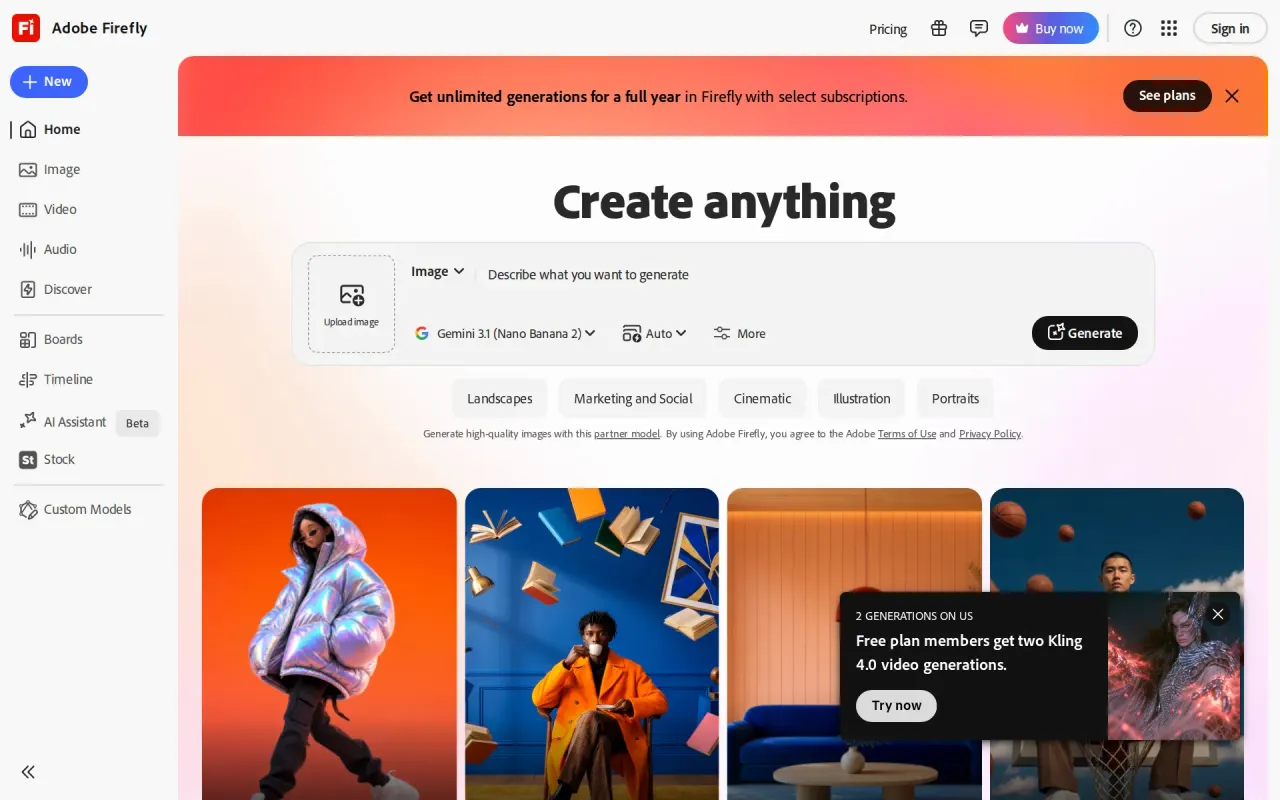
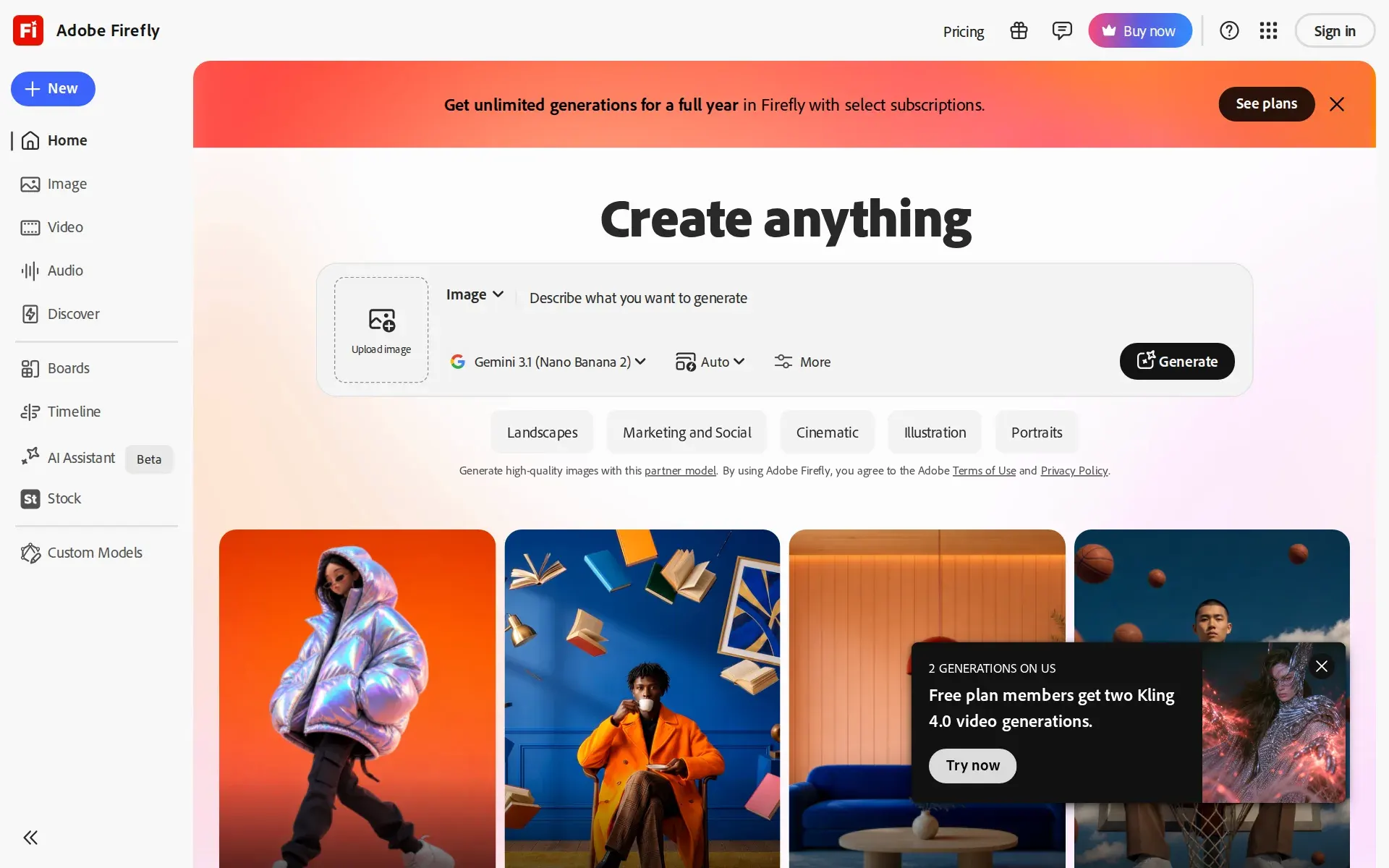
What is Adobe Firefly?
Adobe Firefly is an AI creative tool for creative teams that generates images, video, speech, and sound effects, then lets users refine them with prompt-based editing and quick cleanup. Its core features include Create an image, Edit an image, Generate video, Edit video, Quick actions, and Boards. Firefly sits inside Adobe's creative ecosystem and surfaces Adobe and partner models, including commercially safe options.
Firefly is one web app over many models
Adobe Firefly is a browser and mobile application at firefly.adobe.com that generates and edits images, vector art, video, speech, music and sound effects. Adobe's help pages describe it as a standalone web application, separate from the Firefly models that power generative features inside Photoshop, Illustrator, Premiere and Express.
The distinguishing choice is that Adobe does not only serve its own models. The plan table lists access to partner generative AI models in Firefly such as Google, OpenAI, Flux, and more on every paid tier, and the pricing page's feature matrix names specific partner models with per-plan image counts. Adobe's own models are the ones it calls commercially safe; for partner output the FAQ puts the judgment on the buyer: "You're responsible for determining whether content generated by partner models is appropriate for your project."
Around generation sits a set of surfaces that matter more to teams than to individuals: Firefly Boards for ideation, a video editor still labelled beta, Custom Models trained on brand assets, and Creative Production for batch work.
Two meters run at once: a flat tier and a credit pool
Every paid plan is a flat monthly subscription, and every paid plan also carries a monthly allowance of generative credits. Adobe splits features across the two: unlimited standard image and vector generations on all paid tiers, with video, speech, music, sound effects, audio translation and partner-model output drawing on credits.
The allowances are 2,000 credits on Standard, 4,000 on Pro, 10,000 on Pro Plus and 50,000 on Premium, and they reset each billing cycle and do not roll over. The plan table translates them into per-feature "up to" figures, which is the clearest way to read what a tier buys: Standard covers up to 20 five-second videos, 6 minutes of translated audio or video, 200 sound effects and 100 minutes of music a month. Pro Plus moves those to 100 videos and 33 minutes of translation.
Running out is not a bill. Adobe states that standard generative features stay unlimited after the credits are gone, and that it "will not charge you for additional credits unless you choose to purchase them." Extra credits are an add-on applied to an existing subscription.
The monthly and annual prices differ, and so do the cancellation terms
The pricing page opens with the billing control set to Monthly, and at that setting Firefly Standard is 10,98 € a month including VAT, Pro 21,99 €, Pro Plus 54,99 € and Premium 219,98 €. Switching the same control to Annual lowers Standard to 9,29 € a month against a Save up to 30% label on the control itself.
The terms change with the figure, which is the part worth reading twice. Monthly cards say "Cancel anytime, no fee". The annual cards replace that line with a warning that a fee of half the remaining annual commitment applies after the early-cancellation window closes. The annual price also splits into billed-monthly and prepaid options.
Prices here were read on a European connection, so they appear in euros with VAT included; Adobe serves local currency by region and the figures a US or UK buyer sees will differ. Premium is the one tier with no free trial link on its card.
Agents and developers get a different product than subscribers
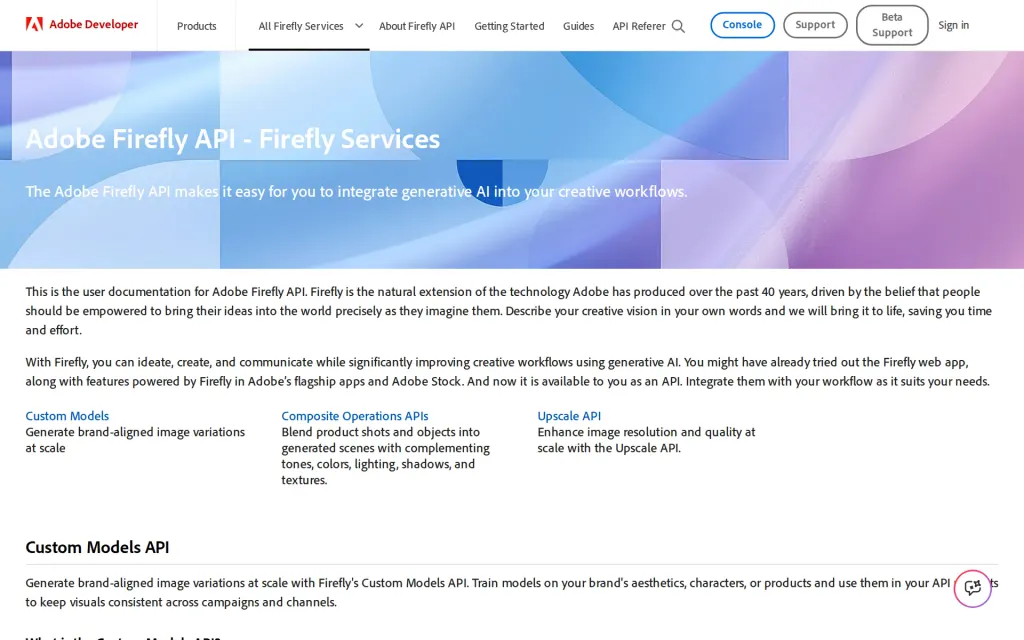
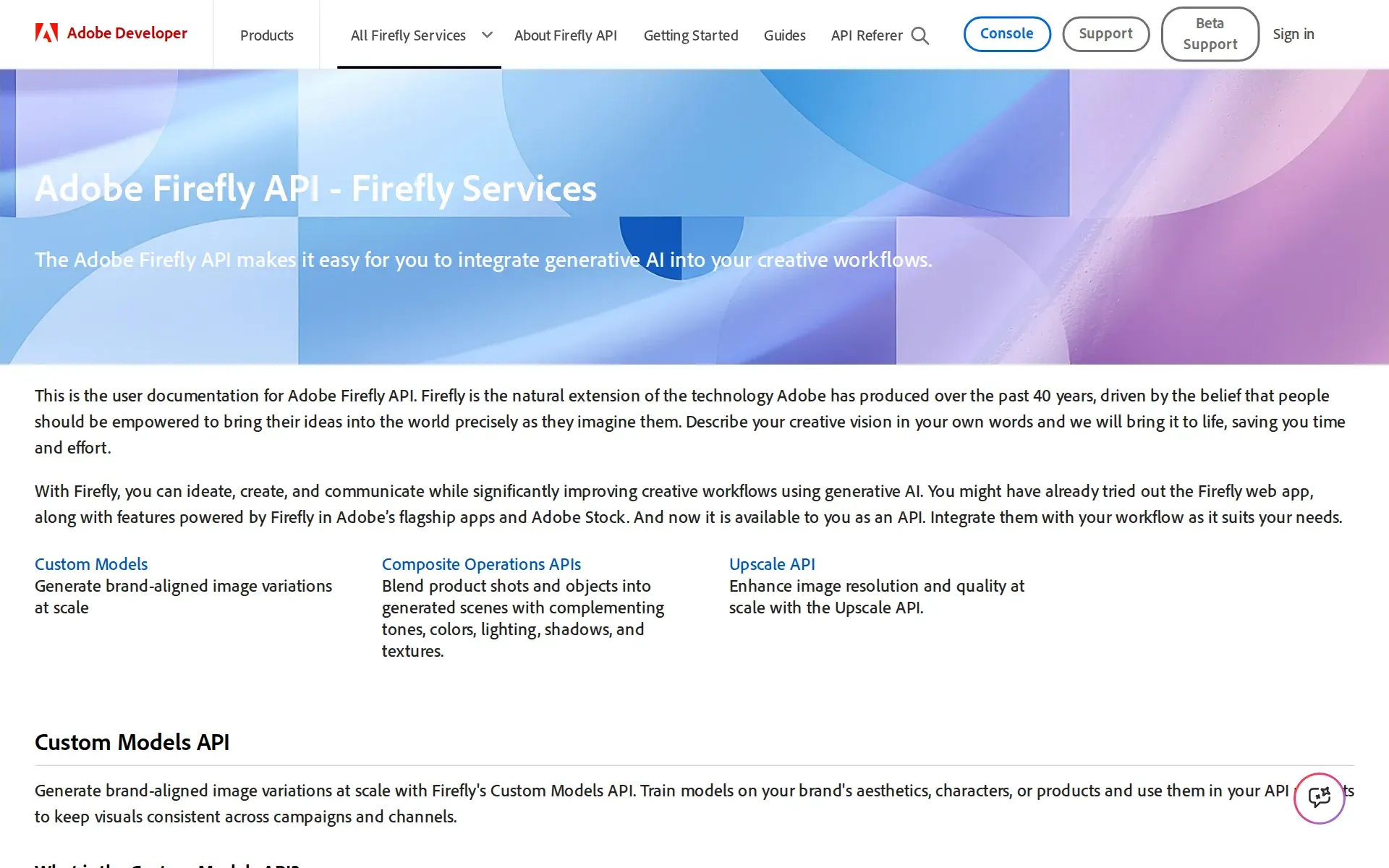
Programmatic access exists, but not inside the consumer plans. The Adobe Firefly API is part of Firefly Services, the developer offering, and documents Custom Models training and generation, Composite Operations and an Upscale endpoint with 2x, 4x and 6x factors.
For AI assistants there is a hosted MCP server, documented as Run-Workflow MCP under Firefly Creative Production for Enterprise. It supports Claude Code, Claude Desktop and Cursor, submits workflows asynchronously and returns a tracking identifier, which suits long video or batch jobs. The documented actions are background removal, content generation, compositing into templates, video reframing, chaining several steps and publishing a workflow for reuse.
That MCP server is the one place Firefly acts without a person approving each step. The web app itself stays prompt-by-prompt. Neither the MCP pages nor the API docs describe permission scoping for an agent, so what an agent may run is governed by the entitlement an admin grants, not by per-action rules.
Training data and provenance are the security story Adobe tells
Adobe's position on customer content is unusually plain: "No, we don't train on any Creative Cloud subscribers' personal content." Its own models are trained on licensed content, such as Adobe Stock, along with public domain content, and Content Credentials are attached automatically to certain exports under the C2PA standard.
The formal attestations belong to the enterprise offering, not to a Firefly subscription. Adobe's compliance list places SOC 2 Type 2, SOC 3, ISO 27001:2022, ISO 27017, ISO 27018, FedRAMP Tailored and CSA STAR Level 2 under Adobe Creative Cloud for enterprise, whose scope footnote names Adobe Firefly explicitly. No ISO 42001 and no HIPAA readiness appear for that family.
Administrative controls follow the same pattern. SAML2 single sign-on comes with Federated ID, which Adobe's identity comparison marks as not supported for Creative Cloud for teams. The Admin Console audit log covers console actions rather than generations and keeps 90 days. No uptime commitment for Firefly is published anywhere we read, and no data residency choice is named.
Where it fits, and where it does not
Firefly suits a team that already lives in Adobe tools and wants generation in the same account: credits are spendable in Photoshop, Illustrator, Premiere, Lightroom and Express, and Pro and above bundle Photoshop on web and mobile with Express Premium. It also suits anyone who wants several frontier image and video models behind one subscription instead of four separate ones.
It fits badly where volume is high and predictable. Video, audio and partner-model work is the part that consumes credits, and the published allowances are modest below Premium, which is where the Firefly Video Model becomes unlimited. Buyers who need programmatic generation should price Firefly Services rather than a subscription tier, because the web plans do not carry API keys.
Availability has geographic limits Adobe states directly: Firefly is not available in Russia, Belarus or China, and Adobe services cannot be used in several sanctioned territories. The video editor is still marked beta, and the pricing figures on the public page are localized, so a quoted number travels badly between regions.
Plans and pricing
Price and terms
- Free plan
- YesYesFree plan with limited daily generations and a Free column in the plan comparison
The terms in full
free trials are separately offered on Standard, Pro and Pro Plus. Paid tiers start at 2,000 generative credits a month.
- Sign up without sales
- YesYes
What needs a higher plan
- Adobe Creative Cloud for enterprise
- Security audits
- Creative Cloud for enterprise
- Single sign-on
- Adobe Admin Console
- Audit log
Checked .
The AgentsIndex digest
Price changes and new tools like Adobe Firefly, at most once a week.
Last issue: ChatGPT vs Claude: Which One Should You Use? · 13 October 2026
Works with
- YesDiscord
For AI agents
- MCP server
- Partly
- API
- Partly
The facts, with their sources
What it costs to start
- What the price counts
- YesFour flat monthly subscription tiers, each carrying a monthly generative-credit allowance that premium video, audio and partner-model outputs draw down, with unlimited standard image and vector generation on every paid plan.
All paid plans include unlimited standard image and vector generations. Generative credits are used for premium features such as video, audio, and…
adobe.com/cc-shared/fragments/products/… - Free tier
- YesA standing free plan gives daily generations without payment; the vendor says continuing beyond the included amount requires a paid subscription, so the free path is capped rather than closed.
Yes, Adobe has a free plan where users receive free daily generations to try Adobe Firefly. If you need more than what's included in your plan, you…
adobe.com/cc-shared/fragments/products/… - Self-serve signup
- YesEvery individual tier on the Firefly pricing page carries its own Buy now checkout, and the three lower tiers also offer a free trial, so no sales conversation is needed to subscribe.
Firefly Standard 10,98 € /mo incl. VAT Cancel anytime, no fee Free trial Buy now
firefly.adobe.com/pricing - Contract
- YesA month-to-month term exists on every individual tier with the billing control set to Monthly; annual terms, billed monthly or prepaid, are an alternative that the same control exposes at a lower rate.
Cancel anytime, no fee
firefly.adobe.com/pricing - Cancel any time
- PartlyMonthly subscriptions say cancel anytime with no fee, but the same cards switched to annual billing warn of a fee equal to half the remaining annual commitment after the early-cancellation window.
Fee applies of half your remaining annual commitment if you cancel after Nov 07
firefly.adobe.com/pricing
What it works with
- Works with
- YesFirefly credits and generations carry into named Adobe applications on any paid plan, and Photoshop on web and mobile plus Adobe Express Premium are bundled from the Pro tier upward rather than with Standard.
Yes, generative credits from your Adobe Firefly plan can be used for generative AI features across Adobe Creative Cloud apps including Photoshop,…
adobe.com/cc-shared/fragments/products/… - Public API
- PartlyA documented public API exists, but it is the separate Firefly Services developer product with Custom Models, Composite and Upscale endpoints, not something a Firefly Standard or Pro web subscription exposes.
The Adobe Firefly API makes it easy for you to integrate generative AI into your creative workflows.
developer.adobe.com/firefly-services/do… - MCP server
- PartlyA hosted MCP server exposes Creative Production workflows to Claude Code, Claude Desktop and Cursor, but it is documented under the enterprise Creative Production product rather than the consumer Firefly plans.
Run-Workflow MCP connects Model Context Protocol (MCP)-compatible AI agents and Adobe's creative workflow services.
helpx.adobe.com/firefly/web/work-with-e…
What it does on its own
- Acts on its own
- PartlyThrough the MCP connector an agent selects and runs multi-step workflows without step-by-step approval, while the Firefly web app itself stays prompt-by-prompt: you ask for a generation and review each result.
It allows AI assistants like Claude Code, Claude Desktop, and Cursor to discover available workflow capabilities from Firefly Creative Production,…
helpx.adobe.com/firefly/web/work-with-e… - No code needed
- YesThe product is a prompt-driven web and mobile app: text prompts produce images, graphics and video, and refinement happens in Express or Photoshop on web rather than in code.
Turn text prompts into images, graphics, and videos in seconds using Adobe Firefly, then refine or remix content as needed using Adobe Express…
helpx.adobe.com/firefly/web/get-started…
What happens to your data
- No training on your data
- YesAdobe states flatly that subscriber personal content is not used to train its models, with the exception named being Adobe Stock contributions made under the Stock license; no setting is needed to get this.
No, we don't train on any Creative Cloud subscribers' personal content. For Adobe Stock contributors, the content is part of Firefly's training…
helpx.adobe.com/firefly/web/get-started… - Self-hosted
- NoFirefly is described as a hosted web application reached at firefly.adobe.com, with a stable internet connection and an Adobe ID listed as requirements, so there is no on-premises deployment of the app.
Adobe Firefly is a standalone web application available at firefly.adobe.com.
helpx.adobe.com/firefly/web/get-started… - Take your data out
- PartlyGenerations, elements and projects are listed in a Files area and shared assets can be downloaded or copied, but the vendor documents no bulk export of an account's history and ties downloads to permissions.
Download or make copies of shared assets (depending on permissions).
helpx.adobe.com/firefly/web/access-your…
Whether a company can buy it
- Security audits
- PartlySOC 2 Type 2, SOC 3, ISO 27001:2022 and FedRAMP Tailored are listed for Creative Cloud for enterprise, whose scope note names Adobe Firefly; the list shows no ISO 42001 and no HIPAA readiness for this family.
Adobe Creative Cloud for enterprise [2] (including Adobe Express and Adobe Firefly) SOC 2-Type 2 (Security, Availability, & Confidentiality)
adobe.com/trust/compliance/compliance-l… - Single sign-on
- PartlyFederated ID delivers SAML2 single sign-on, and Adobe's own identity comparison marks it as not supported for Creative Cloud for teams, so SSO sits with the enterprise agreement rather than team or individual Firefly plans.
The organization manages user-credentials and uses Single Sign-On (SSO) via a SAML2 identity provider (IdP).
helpx.adobe.com/business/enterprise/ide… - Audit log
- PartlyThe Admin Console audit log records admin actions with actor, target and IP, exports to CSV and streams via Adobe I/O Events, but it keeps only 90 days and covers console administration rather than Firefly generations.
Audit Log retains the last 90 days of events. However, events performed before the launch of this feature are unavailable.
helpx.adobe.com/business/enterprise/rep…
Frequently asked questions
- What is Adobe Firefly?
- Adobe Firefly is an AI creative tool for creative teams that generates images, video, speech, and sound effects, then lets users refine them with prompt-based editing and quick cleanup. Its core features include Create an image, Edit an image, Generate video, Edit video, Quick actions, and Boards. Firefly sits inside Adobe's creative ecosystem and surfaces Adobe and partner models, including commercially safe options.
- What is Adobe Firefly used for? Who is it for?
- Adobe Firefly is used for Create an image, Edit an image, and Generate video. It's built for Brand designers, Content creators, and Marketing teams.
- Does Adobe Firefly have an API and what does it integrate with?
- Adobe Firefly doesn't publish a public API. It integrates with Discord.
Screenshots
Docs, firefly.adobe.com, captured
Filed under
Sources and updates
Sources9
- firefly.adobe.com/pricing
- adobe.com/cc-shared/fragments/products/firefly/plans/faq
- helpx.adobe.com/firefly/web/get-started/learn-the-basics/adobe-firefly-faq.html
- helpx.adobe.com/firefly/web/work-with-enterprise-features/creative-production/run-workflow-mcp-overview.html
- adobe.com/trust/compliance/compliance-list.html
- helpx.adobe.com/business/enterprise/identity-sso/set-up-identity/identity-types.html
- helpx.adobe.com/business/enterprise/reports-logs/audit-logs.html
- developer.adobe.com/firefly-services/docs/firefly-api
- helpx.adobe.com/firefly/web/access-your-files/files-overview.html
Updates1
- Free tier · Price · What it does
Is this yours? Claim it free and edit it in your dashboard, or feature it in Design Agents.